Directing First-Time Teleprompter Talent: The Studio Tech's Playbook
A studio tech's playbook for running prompter sessions with executives who have never used one: rewrite the script for spoken delivery, tune the prompter for a nervous reader, coach in three minutes, and run the room with a pre-shoot checklist.
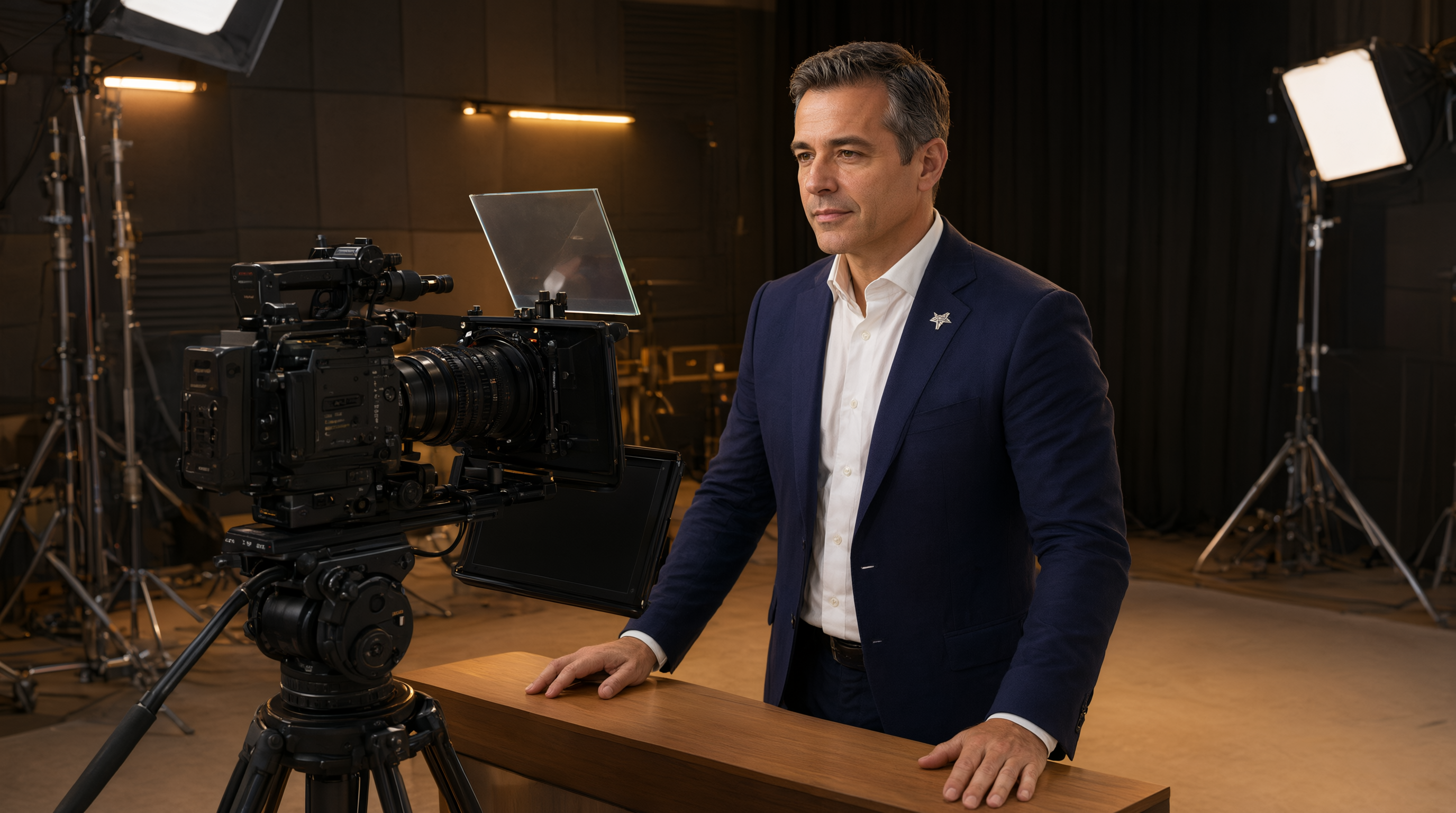
Every corporate video comms team knows the scenario. The CEO agreed to record the quarterly update. They are brilliant in a boardroom, but they have never read from a teleprompter, and the shoot is in 45 minutes. How you run that room decides whether the video feels authoritative or hostage-like.
This is a tech's guide, not a talent's guide. You cannot make someone a broadcast professional in one session, but you can engineer the setup so a first-timer looks calm, natural, and in command. Here is the playbook.
1. Rewrite the Script for Spoken Delivery, Not the Page
First-timers do not fail at reading. They fail at reading scripts written to be read silently. Comms teams often hand over dense, committee-approved copy. Before the talent ever sees it, read it aloud yourself and fix what trips you.
Break long sentences into short ones. Convert every bullet-point fragment into a full spoken sentence, because fragments are where first-timers stall. Mark pause points with punctuation: a period where they should breathe, an ellipsis where they should slow down. Flag the three or four words that must land exactly, like product names and dates, and give the talent permission to paraphrase everything else. A nervous reader clings to exact wording and sounds robotic. A reader with permission to talk sounds like a leader.
2. Set the Prompter for a Nervous Reader, Not a Pro
Default prompter settings assume an experienced anchor. Flip that assumption. For a first-timer, visibility and forgiveness matter more than information density.
Bump the font up until only four to six short lines are visible at the talent's distance. Less text on screen means less eye travel, and small eye travel is what sells the illusion that they are talking to the camera rather than reading. Keep the reading line in the upper third of the display, close to the lens.
Set the scroll speed slower than you think you need. First-timers almost always start reading faster than intended because nerves speed up the voice, and a slower scroll acts as a governor. Use line markers to chunk the script into beats, one idea per block, so the talent gets a visual cue every time they complete a thought. That rhythm of small completions keeps confidence up through a long script.
Verify wake-lock and mirror mode before the talent sits down. Nothing kills a first-timer's nerve like a screen that goes black mid-take or text that reads backwards on the glass.
3. Coach the Talent in Three Minutes, Not Thirty
You get a short window with an executive. Do not burn it with theory. Give them four instructions, in this order, and nothing else.
- The prompter follows you. Speak at your normal pace, pause whenever you want, and the text will wait for you. This removes most of the panic.
- One silent read-through. Have them read the first two paragraphs silently while you stand behind the camera. Listen for stumbles and rephrase those words on the spot. Fix the words, not the reader.
- The recovery rule. Everyone freezes at least once. Tell them: stop, look at the camera, and restart from the top of the current sentence. The editor cuts the gap out.
- Smile and blink. Tension locks the face. A genuine smile at the top of the take relaxes the jaw, slows the breathing, and warms the voice.
4. Run the Room Like a Tech, Not a Favor
Put one person on the remote or scroll control, and make it clear that person takes pacing cues only from you. If three people are shouting slow down and speed up, the talent hears chaos. One chain of command.
Keep the room quiet and the audience small. Every extra person watching a nervous first-timer raises the pressure. If the comms lead needs to approve takes, have them watch a confidence monitor at the back, not standing next to the camera. Announce a rhythm: two clean takes, then a short break.
When a take goes wrong, never make it the talent's fault out loud. Say the take was for safety, or that you want one more option for the edit. An executive who feels judged gets worse with every take. An executive who feels supported gets better.
5. Fix the Five Classic First-Timer Mistakes Instantly
- Reading too fast. Do not say slow down; they will forget it in ten seconds. Slow the scroll and tell them to breathe at every period. Breathing physically cannot happen at speed, so it forces the pace down.
- Monotone delivery. This is almost always a script problem. If they sound flat, the sentences are too long. Break the next paragraph into shorter lines on the spot and the energy comes back.
- Eyes visibly tracking. Move them further from the prompter or increase the text size. A few extra feet of distance shrinks the eye movement to almost nothing.
- Head bobbing with the scroll. Move the reading line higher, closer to the lens, and reduce the number of visible lines so there is nowhere for the head to travel.
- Freezing on a hard word. Swap the word instead of rehearsing it five times. The audience will never know, and the take will finally land.
The Pre-Shoot Checklist
- Script read aloud and rewritten for spoken delivery, contractions included
- Font size set for four to six visible lines at talent distance
- Reading line in the upper third, near the lens
- Scroll speed set slow, line markers on for beat-by-beat rhythm
- Mirror mode verified from the talent's seat, wake-lock on
- Remote operator assigned, single chain of command confirmed
- Room cleared of unnecessary observers, confidence monitor routed
- Recovery rule explained: pause, restart from the sentence top
- Two-take rhythm announced, break planned
Do this consistently and the pattern will hold. Executives will walk out saying the prompter was easier than they expected, and the comms team will get video worth publishing.
When your prompting setup handles the tech gracefully, phone-based remote control, mirrored display, wake-lock, and line markers that keep a nervous reader oriented, you can spend the session coaching the human instead of babysitting the gear. Prompter Share is built for exactly these rooms, where the talent has never seen a teleprompter and the clock is already running.