How to Write and Format a Teleprompter Script: The Video Producer's Guide to Flawless Takes
Learn how to write and format teleprompter scripts for effortless spoken delivery. Master ear-first writing, phonetic spelling, text chunking, and live scrolling adjustments.
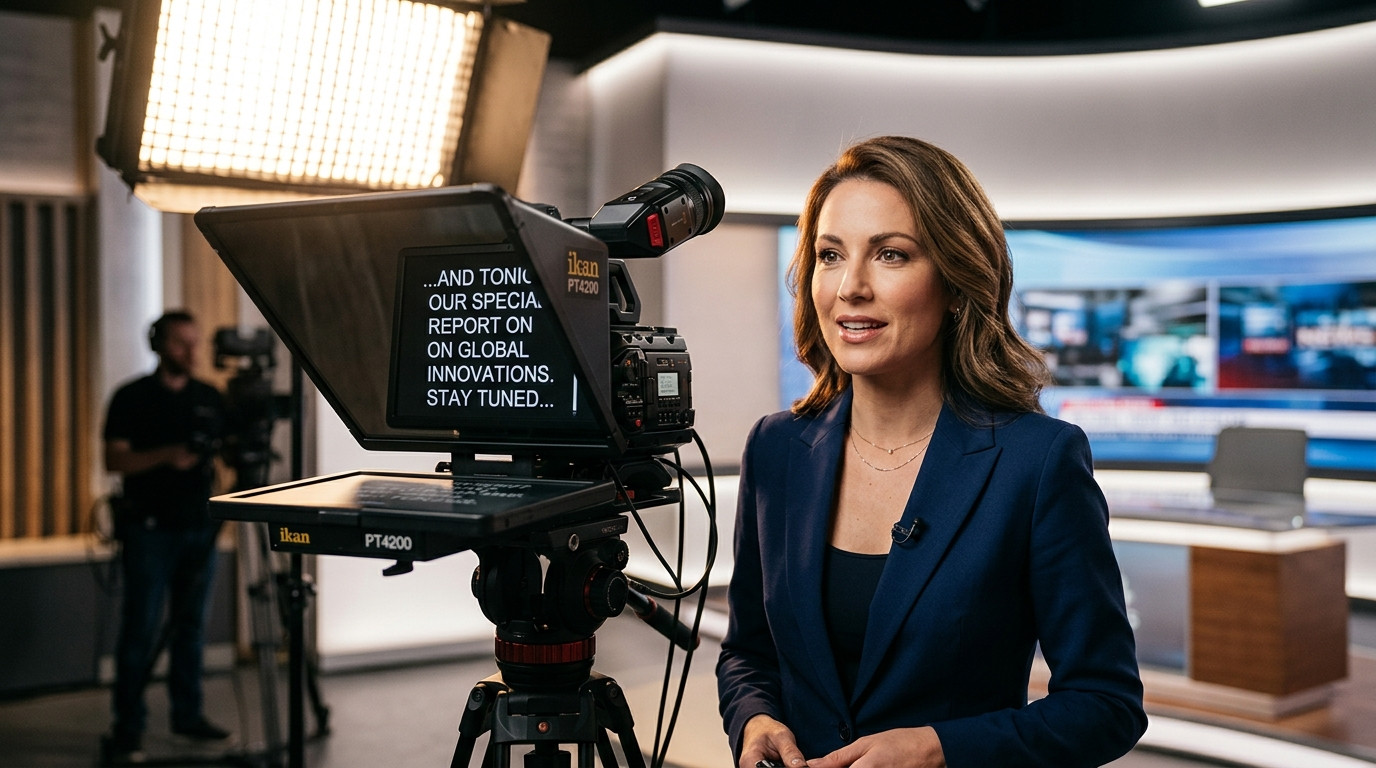
A teleprompter setup cannot save a script written for the page. When text intended for silent reading scrolls in front of a camera lens, even seasoned presenters stumble over complex clauses, run out of breath mid-thought, and sound stiff. Written English relies on punctuation, visual spacing, and deliberate scanning. Spoken English depends on rhythm, conversational cadence, and immediate vocal clarity.
Writing a teleprompter script requires writing for the ear instead of the eye. Structuring your copy around spoken cadence transforms on-camera delivery, shortens shoot days, and eliminates unnecessary retakes.
Why Writing for the Eye Fails on Camera
Print copy and formal reports favor passive voice, compound sentences, dense data, and formal transitions. When a speaker reads these structures from a prompter monitor, their brain expends critical energy parsing grammar rather than delivering emotion and maintaining camera presence.
The physical act of reading aloud also demands respiratory planning. Long sentences starve the speaker of air, forcing sudden mid-phrase gasps that disrupt the edit. By shortening syntax and replacing literary prose with conversational rhythm, you allow your presenter to focus entirely on connection, pitch variation, and eye contact.
The Core Rules of Ear-First Scriptwriting
Transforming written ideas into spoken dialogue requires disciplined editing. Apply these foundational principles before loading copy into your prompter:
- Embrace natural contractions: Replace formal phrases like "do not" and "we will" with "don't" and "we'll." Contractions instantly relax the speaker's vocal tone.
- Shorten sentence length: Keep spoken thoughts between ten and fifteen words. If a sentence requires a comma to link two independent ideas, split it into two distinct sentences.
- Write in the active voice: Place the subject at the beginning of the action. Active phrasing delivers punchy clarity that moves the narrative forward without cognitive drag.
- Eliminate industry jargon: Translate dense terminology into clear, accessible language that flows effortlessly off the tongue.
During commercial video shoots, such as the product walkthroughs and explainer spots produced with Envy Creative, reading a draft aloud before lighting the set exposes clumsy phrasing and breath traps early.
Visual Formatting: Line Breaks, Chunking, and Typography
Formatting is as vital as the words themselves. If your script displays as a dense wall of text, the talent's eyes will scan horizontally across the glass, creating distracting lateral eye movements on camera.
Format your text into short visual blocks. Limit paragraphs to two sentences maximum, and break lines at natural pause points rather than arbitrary margins. This technique, known as chunking, allows the presenter to absorb complete semantic thoughts in a single glance without hunting across the frame.
Modern prompting platforms make this formatting effortless. Using Prompter Share, operators can import clean text, markdown, or Word files, organize them into production folders, and display high-contrast, distraction-free typography across any connected tablet or monitor. With built-in screen wake lock and frame-accurate clock synchronization, the text stays readable and synchronized without unexpected display dimming mid-take.
Numbers, Acronyms, and Phonetic Cues
Numbers, symbols, and unfamiliar names represent the most common points of failure on a teleprompter rig. When a presenter encounters "$3.5M" or "10/14/2026," their brain pauses to calculate how to vocalize the symbol.
Eliminate ambiguity by spelling out every numerical figure and symbol exactly as it should sound:
- Write "three point five million dollars" instead of "$3.5M."
- Write "October fourteenth, twenty twenty-six" instead of numerical calendar dates.
- Write "percent" instead of "%."
- Spell out acronyms with hyphens for individual letters, such as "F-B-I" or "N-A-S-A."
- Provide phonetic pronunciations in brackets immediately following difficult surnames or technical terms, such as "Nguyen [WIN]" or "Kubernetes [koo-ber-NET-eez]."
Stage Directions and Non-Verbal Cues
Directors frequently need to guide pacing, pauses, and physical movements within the script. If stage directions look identical to spoken dialogue, non-actors and busy executives will inevitably read the instructions out loud on camera.
Separate performance cues from dialogue by wrapping directions in brackets and distinctive capitalization, such as [PAUSE 2 SECONDS], [SMILE AND LOOK TO CAMERA B], or [HOLD UP PRODUCT SAMPLE]. Keep these cues minimal so they reinforce delivery without cluttering the talent's visual path.
Live Rehearsal and Real-Time Teleprompter Adjustments
No script is complete until it has been read aloud in front of the lens. Run a full rehearsal take at conversational speed. Note any moments where the speaker hesitates, mispronounces a word, or runs low on breath.
When adjustments are needed on set, avoid stopping the entire production to reformat local files. A browser-based solution like Prompter Share lets an operator edit the script in real time from a laptop while the changes reflect immediately on the talent's screen across the studio or over a remote link. With dedicated mobile remote links, an operator or director standing directly by the camera can adjust speed, pause, or jump lines using a smartphone, ensuring every take flows smoothly.