Multi-Camera Teleprompter Sync: The Studio Guide to Clean Corporate Video
How studio technicians and corporate video teams sync teleprompter scripts across multiple cameras: matched hardware, locked scroll speeds, scripted camera cues, and one remote for the whole rig.
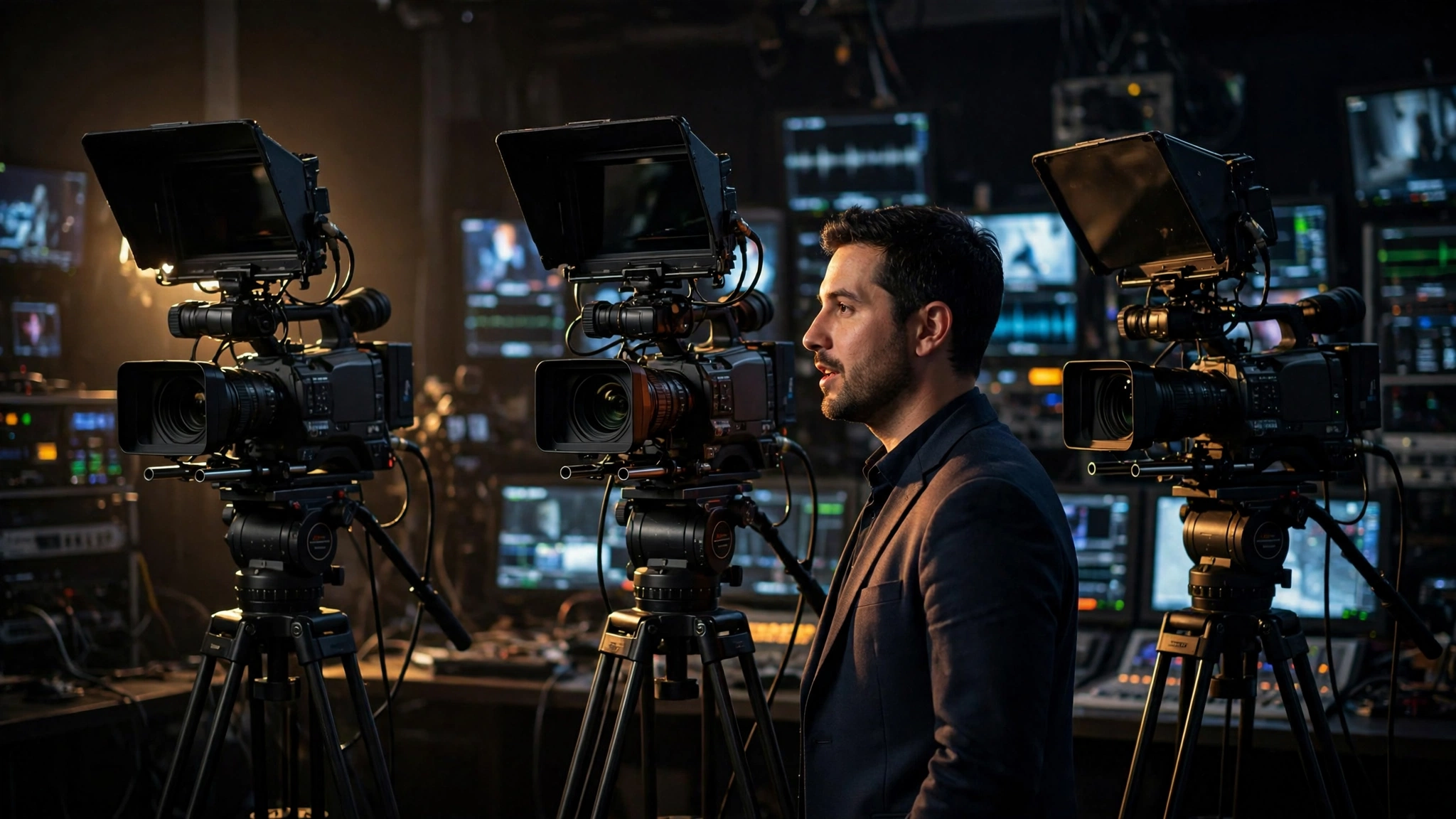
The multi-camera teleprompter problem nobody warns you about
Corporate video shoots love multi-camera setups. A wide for the room, a tight for the face, maybe a third for the product demo. It looks like television. It also creates a problem nobody puts in the quote: your on-camera talent now has to read one script while looking at three lenses. Get it wrong and the edit becomes a parade of wandering eyes, because the viewer can always tell when someone is reading a different screen than the one they are supposed to be talking to.
The good news is that this is a solved problem. Studio teams and corporate comms crews run multi-camera teleprompter shoots every day without a hitch. Here is the playbook they follow, distilled for the technician or video lead who has to make it work on the next shoot.
1. Match the hardware across every camera
The single biggest cause of bad multi-cam eyelines is mismatched gear. If camera one has a big beam-splitter rig with 14-point text and camera two has a phone taped under a cheap hood, your talent will deliver two different performances and the editor will notice. Match glass size, font size, and reading distance across every camera. The talent's eyes should travel the same distance and meet text at the same size no matter which lens is live.
2. Sync the scroll, not just the script
Loading the same script file on every screen is only half the job. If each screen scrolls at its own pace, the talent reads ahead on one camera and stumbles on another. Lock every display to the same scroll speed and the same starting point. A cloud teleprompter like Prompter Share keeps talent screens in step with zero lag, and wake-lock keeps every phone and tablet awake for the whole session, because one sleeping screen in a three-camera setup is a guaranteed reshoot.
3. Mark camera transitions in the script itself
Give the talent and the switcher the same roadmap. Drop bracketed cues like [CAM 2] or [WIDE] right in the script text, on their own lines so they never get read aloud. Line markers in the teleprompter software make these cues pop visually, so the talent can glance, shift gaze to the new lens, and land the next sentence without breaking rhythm. Review the transitions in pre-production with the director, not for the first time under the lights.
4. Keep eyeline geometry identical
Multi-cam works when every camera sees the same eyeline. That means centering each lens directly behind its glass, and keeping the talent at a consistent distance from every prompter. A common failure: the wide camera sits six feet back while the tight camera sits three feet away, so the talent's eyes visibly shift height and angle between cuts. Measure twice, shoot once. Walk the talent's gaze path between cameras during setup and watch for the jump.
5. Run the whole rig from one phone
Assign one operator and one remote. Phone remote control lets a single operator start, pause, and adjust scroll on every talent screen at once, which beats the old model of three operators each babysitting one prompter and drifting out of sync. The operator follows the talent, not the other way around: the talent sets the pace, the prompter follows. That rule from the single-camera world matters even more when three cameras are rolling.
6. Rehearse the camera switches
Do a full dry run with the talent reading the actual script, switching cameras on the switcher, and watching the recorded output. This ten-minute rehearsal catches everything: mismatched font sizes, a cue placed one line too late, a prompter that goes to sleep at minute eleven. Talent who have felt the switches before the real take deliver noticeably more natural transitions, because they stop thinking about the gear and start performing.
Three failures to watch for on shoot day
- One screen drifts. A tablet that lost sync is silently showing an older script version. Glance at every screen before each take.
- Different fonts, different delivery. Bold on one screen and regular on another reads as different emphasis. Standardize the formatting.
- The operator scrolls one prompter. If only the live camera's prompter moves, the talent reads ahead when the director cuts. All screens scroll, always.
Make the gear boring so the talent can be good
Multi-camera teleprompter work is a discipline of eliminating variables. Same rigs, same scroll, same cues, same operator, one rehearsal. When the technical side is boring and predictable, the talent stops managing equipment in their head and starts connecting with the audience. That is the entire job. If you want to test the synced multi-screen workflow on your next corporate shoot, Prompter Share runs the whole rig from the browser with phone remote control, so you can try it before your next multi-cam day.