How to Prevent Teleprompter Screen Sleep and Keep Your Takes Flowing Smoothly
A short guide that shows why screen sleep disrupts recordings, how Prompter Share’s wake lock keeps any device awake, and practical device‑level tips to guarantee uninterrupted prompts.
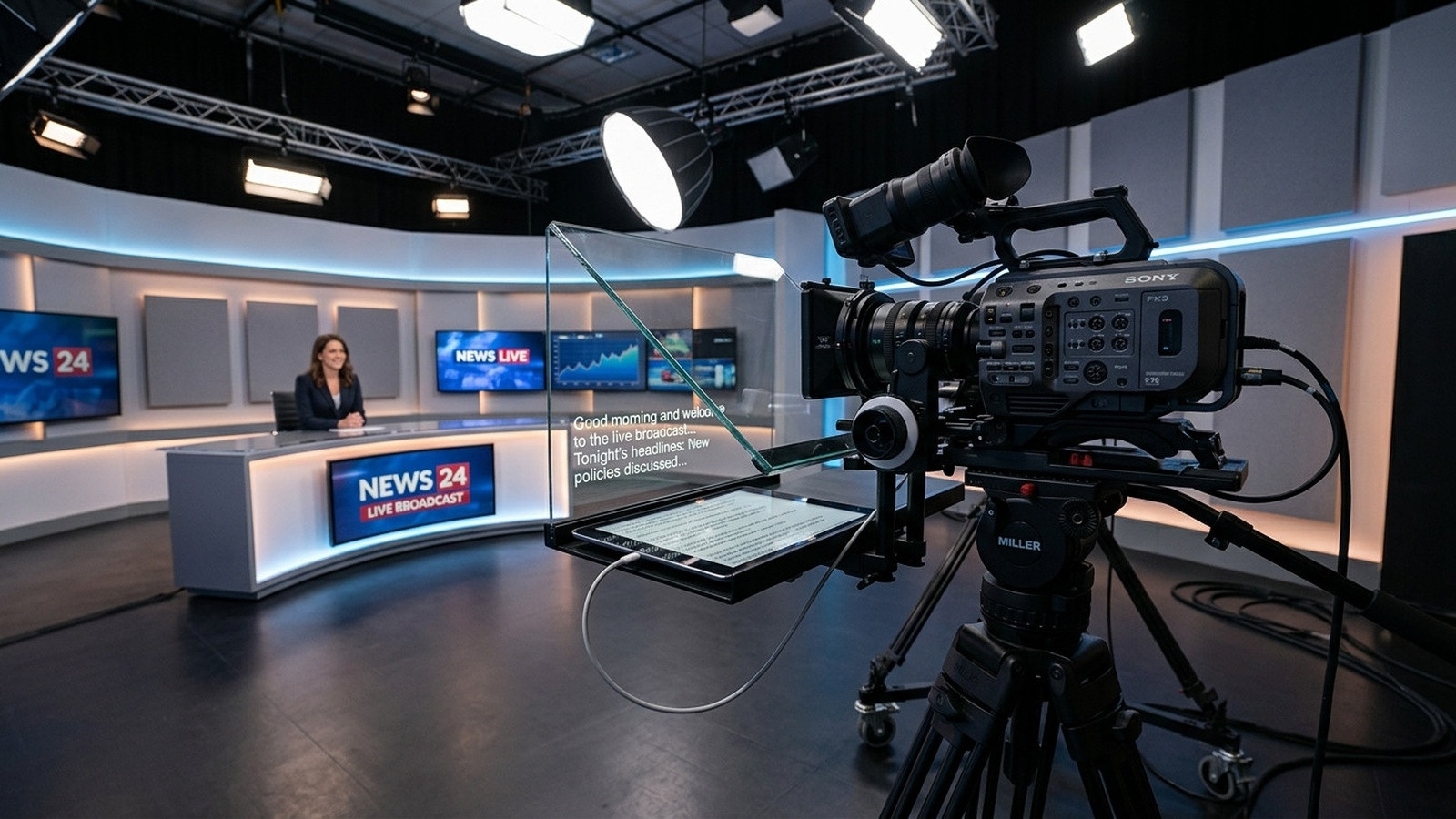
Prevent Teleprompter Screen Sleep for Flawless Takes
Why Screen Sleep Breaks Your Flow
When the talent's tablet or phone dims or locks mid‑sentence, the prompter freezes, the camera keeps rolling and you lose a clean take.
Built‑In Wake Lock in Prompter Share
Prompter Share activates the browser Wake Lock API automatically, keeping any screen – iPad, Android tablet, phone or monitor – awake for the entire session. No extra apps, no settings changes.
Manual Safeguards for Every Device
- Desktop / Laptop – set “Turn off display” to Never in Power Settings.
- Mac – use the “Never sleep” option in System Settings or a free menu‑bar app such as Lungo.
- iOS – enable “Auto‑Lock” → Never while the app is in the foreground.
- Android – enable “Stay Awake” in Developer Options or use a simple “Keep Screen On” app.
Combine Wake Lock with a Phone Remote
Generate a secondary Remote link in Prompter Share, place the phone at the camera, and control play, pause and speed without touching the main screen. The remote never puts the talent’s screen to sleep because the main screen stays locked by Wake Lock.
Check Your Setup Before Shooting
- Run a quick 30‑second test script.
- Watch the talent screen for any dimming.
- Confirm the Remote link responds instantly.
Quick Troubleshooting Checklist
- Battery saver mode off.
- Device plugged into power.
- Browser tab visible – minimizing can release Wake Lock.
- Disable any screen savers.
Take Action
Use Prompter Share’s zero‑friction remote link and built‑in wake lock to eliminate screen‑sleep failures. Start your free trial now and never lose a take to a sleeping screen again.