Teleprompter for Client Testimonials: How to Make Real People Sound Natural on Camera
A teleprompter is the secret to believable client testimonial videos. Learn how to write scripts from the client's own words, set conversational scroll speed, and coach a warmup take that sounds like them, not like marketing.
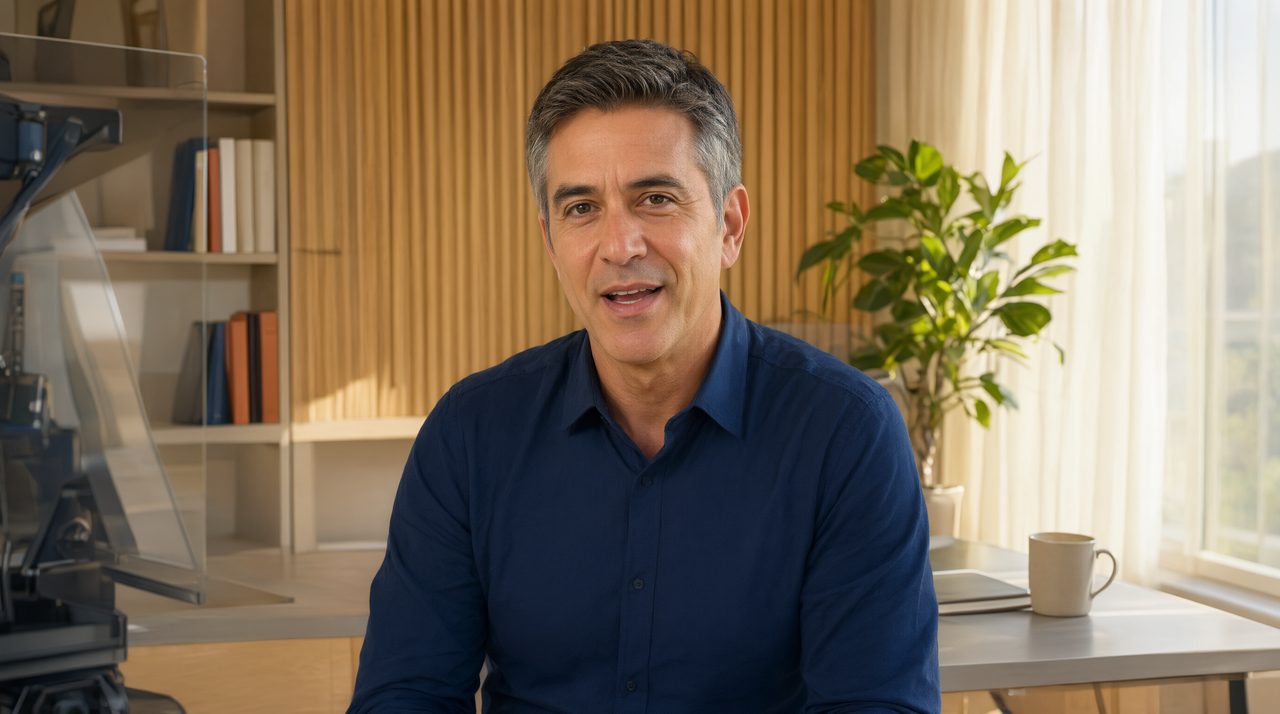
Why Testimonials Fall Flat on Camera
Client testimonial videos should be the most believable content a business can publish. A real customer, a real face, a real result. Yet most testimonial footage ends up stiff, halting, or full of awkward pauses, not because the story is weak, but because nobody coached the person on camera. When you ask a happy client to "just say what you told me on the phone," their delivery falls apart. They forget the product name, they ramble, they freeze when the red light comes on.
That is exactly the problem a teleprompter solves, if you use it the right way. The goal is never to make a client read a marketing script. The goal is to give a real person guardrails so their genuine enthusiasm comes through clearly and confidently.
Step 1: Write the Script From Their Own Words
The fastest way to make a testimonial sound scripted is to write it in your brand's voice. Do the opposite. Before shoot day, record a short phone call or voice memo with the client and ask three questions: what was life like before our product, what changed after using it, and what would you tell a friend considering it. Transcribe their answers, then clean up the filler words and organize the strongest lines in order.
The result is a script that sounds like the person talking, because it literally is. Keep each answer to two or three sentences. Testimonials that run longer than 45 seconds of speaking almost always lose the viewer.
Step 2: Set the Scroll Speed to Conversational Pace
This is where most first-time testimonial shoots go wrong. A prompter operator reads a script in their head and sets the scroll speed to match. But your client is not an actor. Set the speed noticeably slower than you think it needs to be, and show the client how to nudge it with the phone remote control if they want to speed up.
Slow scrolling gives the speaker permission to pause, breathe, and make eye contact with the lens. It also keeps them from rushing, which is the number one tell that someone is reading. A good rule of thumb: if the client finishes each line before the text moves, you are at the right speed.
Step 3: Use Big Text and Short Line Lengths
Long lines of tiny text force the eyes to track left and right, and the camera catches it. For testimonial work, bump the font size up and keep each line to five or six words. The speaker's eyes stay near the center of the frame, which reads as direct eye contact with the viewer.
Use line markers or color shifts to show where one thought ends and the next begins. When the client sees the visual break, they naturally pause, and that pause makes the delivery feel thoughtful instead of read.
Step 4: Position the Prompter for the Right Framing
Testimonials usually live as talking-head shots: medium or close framing, client looking at the lens. Mount the prompter on the camera lens so the beam-splitter mirror places the text right over the sensor. Keep the camera at the client's eye level, never looking down at them, which shrinks authority.
Leave a little headroom between the teleprompter hood and the client's forehead in the frame. If the hood creeps into the shot, you have either framed too wide or mounted the glass too high. A quick check on the monitor before rolling saves you a reshoot.
Step 5: Coach One Warmup Take Before You Roll
Never roll the first take as the keeper. Walk the client through one full read without recording so they get used to the scroll and the mirror. Talk to them like a person, not a performer: "Take your time, and if you mess up a word, just say the line again. We will cut around it."
This single practice pass relaxes the shoulders, settles the breathing, and almost always makes the second take the one you use. Clients who skip the warmup tend to stumble on the first recorded take, which wastes time and rattles confidence.
Step 6: Keep It Conversational in the Edit
Resist the urge to cut every pause. A testimonial that breathes reads as authentic, and authenticity is the entire currency of this format. Cut the false starts and the long "um" chains, but leave the natural beats. If a client laughs mid-sentence or goes off-script with a great detail, keep it. Those moments are what stock footage and voiceover can never fake.
The Payoff
A testimonial shoot with a teleprompter takes about twenty minutes per client: five to write from their words, five to set up, ten to shoot two takes. What you get is a clip that actually moves the needle, because a confident real person on camera is the highest-trust format in marketing. Add Prompter Share to your studio kit and your next batch of testimonials will sound like the people you were lucky enough to serve.