Teleprompter for Corporate Interviews: How to Get Executives Sounding Natural on Camera
A practical playbook for corporate video comms teams: teleprompter setup, script rewrites, read-throughs, and live operating technique that get executives sounding natural on camera in fewer takes.
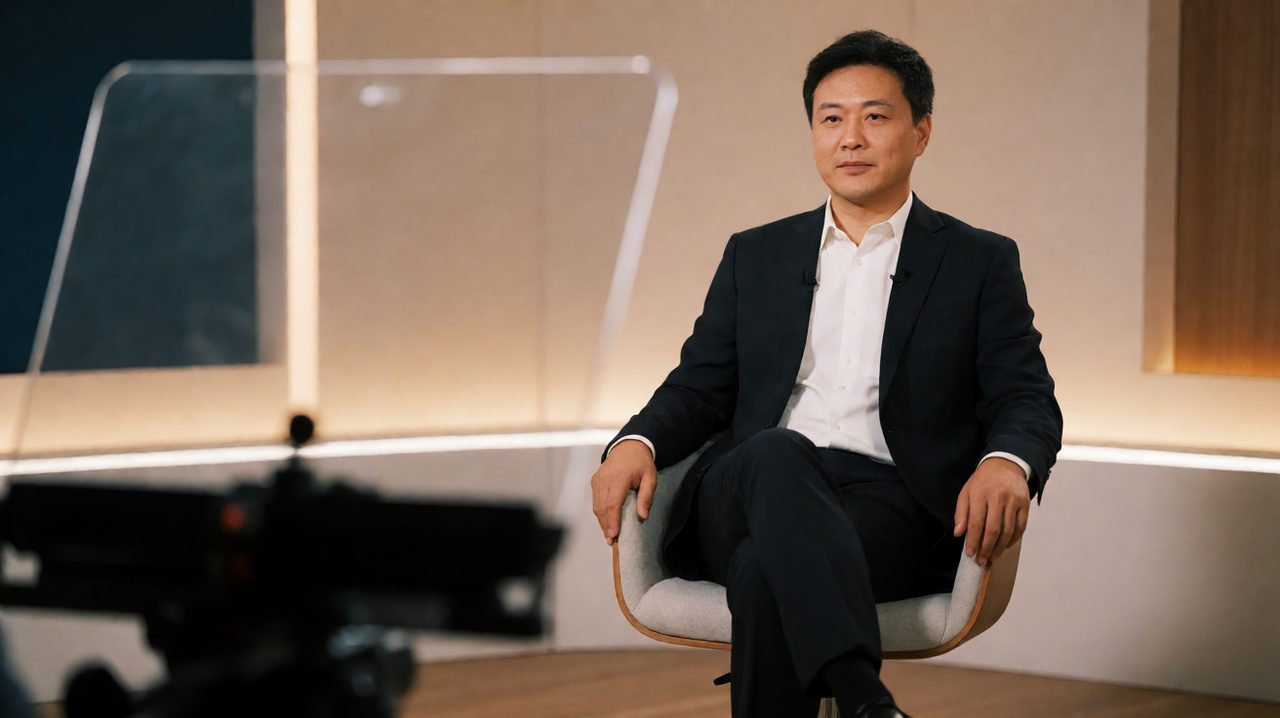
Your CEO is razor sharp in the boardroom. Put her in front of a camera, hand her a list of talking points, and watch hours vanish into stammering and dead air. This is not a talent problem. It is a setup problem, and corporate video comms teams hit it on nearly every shoot. The fix is changing what the executive is asked to do in the chair.
The classic options all cost you something. Memorization collapses under pressure. Winging it produces rambling takes that eat days in the edit. A teleprompter, run the way working studios run it, gives you a third option: she reads real sentences, in her own voice, eyes on the lens. Here is the playbook.
Why executives freeze on camera
Senior leaders do two things that break on-camera delivery. First, they prepare like a board meeting: dense bullet points, acronyms, and sentences that work on a slide but die when spoken aloud. Second, they are perfectionists. One stumbled word and they want to start the whole take over, which means a five minute answer takes twenty minutes to capture. A printed script off to the side makes it worse: the talent's eyes drift off the lens every few seconds, and the footage reads as evasive. The prompter fixes the eyeline problem and the memory problem at the same time, but only if the whole workflow is built for interviews instead of monologues.
Set the prompter up for an interview, not a monologue
Most teleprompter misery comes from a news-desk setup being forced onto a conversational interview. News anchors read at a fixed pace. Your executive is delivering her own thoughts and needs room to breathe:
- Use beam-splitter mirror mode. The script reflects onto glass in front of the lens, so the talent reads while looking straight into the camera. This is the single biggest quality upgrade for interview eyeline.
- Keep the talent screen awake. A tablet that locks mid-answer is a shoot killer. Wake-lock the device so the script stays visible the entire session, not just the first take.
- Put the operator on a phone remote. The talent should never touch the scroll. Your operator rides the speed from a phone, following the speaker, with zero lag across talent screens.
- Mark the script with line markers at natural breath points. Short visual chunks beat a wall of scrolling text and give the editor clean cut points later.
Write the interview, do not memorize it
Here is where most corporate scripts go wrong: they read like they were written by committee, because they were. Before the shoot, take the executive's bullet points and rewrite every answer in first person, in the cadence she actually speaks. Read each sentence aloud yourself, because if you stumble, she will too. Sentences that cannot be said out loud are the number one source of flubs, and fixing them in prep costs minutes while fixing them on set costs hours. Cut the jargon stack. Executives default to phrases like leveraging synergistic frameworks, which sound absurd the moment a human says them into a lens. Replace it with what she would say to a colleague over coffee. Keep each answer to about 30 to 60 seconds of spoken text. That constraint forces real answers instead of monologues, and it means a flubbed take only costs you one short answer instead of a five minute ramble. Hand her the rewritten script the day before. Familiarity is the difference between reading and delivering.
The 30-minute read-through that saves three hours
Schedule a read-through with no cameras, no crew, just the executive and the script. Have her read every answer out loud twice. This does three things. First, it surfaces the unsayable sentences your desk read-through missed. Second, it lets you dial the scroll speed to her natural reading pace, which is different for every person. Third, and most important, it lets her mark her own emphasis words. An executive who has claimed the script as her own words will deliver it like her own words, because by shoot day, it is. Let her cross out anything that does not sound like her. Your job is fidelity to her voice, not to the comms team's first draft.
Running the prompter live on shoot day
The operator's job is to follow the talent, never to lead her. Set the scroll slightly slower than her natural pace and let her pull the text forward. Push the scroll faster than she wants to go and she will speed up to chase it, which reads as nervous. When she pauses to think, stop the scroll and wait. When she flubs a line, do not make her restart the whole answer. Stop, roll back two lines to the last breath point, and pick it up from there. This is why the line markers exist. Announce clearly when rolling and when you cut, keep chatter to zero during takes, and keep water in the chair. For multi-cam setups, feed the same scroll to every prompter screen so both angles capture the same delivery, and slate every take so the editor can sync without guessing. Production crews, including teams like Envy Creative that shoot corporate interviews weekly, run this exact rhythm, and the takes stack up fast once the executive trusts the operator is with her.
The payoff: fewer takes, calmer talent, cleaner edits
When the setup, the script, and the operator all work together, the shoot changes character. The executive stops worrying about forgetting and starts focusing on meaning. Takes drop from twenty to three. The footage edits cleanly because every answer has natural breath points and consistent eyeline. And the next time you need her on camera, she says yes, because the last time was not miserable. The compound effect is the real return: a teleprompter workflow your executives trust becomes a video program that ships on schedule. If you want that workflow without cobbling together hardware and apps, Prompter Share runs the whole thing from the cloud: mirror mode, phone remote control, line markers, and wake-lock, with zero lag across every talent screen.