Teleprompter for Dentists: Record Patient Videos That Build Trust Without Sounding Scripted
Dentists can record clear welcome, treatment, and aftercare videos in fewer takes with a teleprompter, keeping exact wording, eye contact, and a calm tone patients trust.
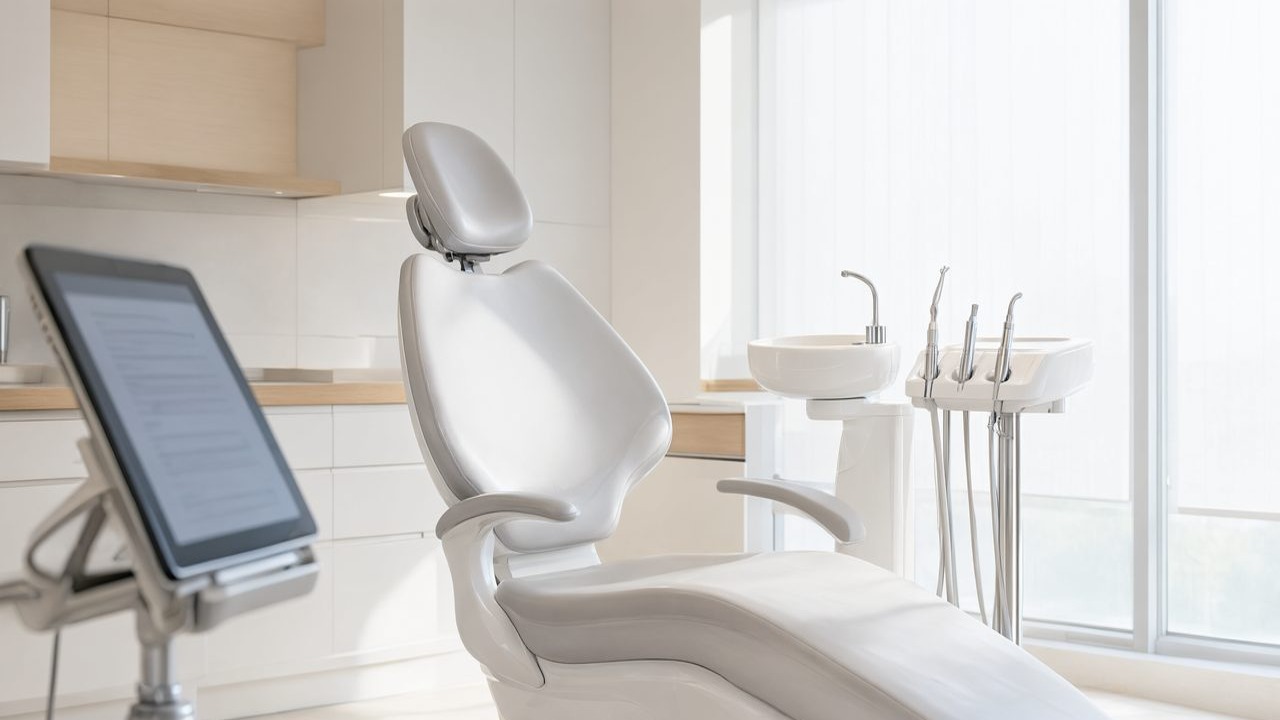
A teleprompter helps a dentist record patient videos in fewer takes by putting the script at eye level, so you can explain a treatment clearly, keep eye contact, and sound calm instead of memorized. For a practice, that matters most on welcome videos, procedure explainers, and aftercare instructions where one wrong word can confuse a patient. You do not need a studio, just a short script, a phone or tablet by the lens, and a pace that matches how you talk in the chair.
Trust is the whole job here. In Wyzowl research cited in 2026 dental marketing guides, 89 percent of consumers say video quality affects how much they trust a brand, and 63 percent say they would rather watch a short video than read text to learn about a service. Add the fact that dental anxiety affects roughly 36 percent of people in surveys cited by the American Dental Association, and a steady, friendly face on camera is not a nice extra. It is often the first reassurance a nervous patient gets.
What videos should a dental practice record first?
Start with the videos that answer the questions your front desk repeats every day. A 45 to 60 second welcome video introduces you, the practice, and what a first visit feels like. A treatment explainer covers one topic at a time, such as implants, clear aligners, root canals, or whitening, in plain language with no promise you cannot keep. An aftercare video tells patients what is normal on day one, what to eat, and when to call, which can cut repeat calls because patients can replay it at home.
Then add short social clips. Most dental marketing videos run 30 to 90 seconds, so one idea per clip is enough. Record 3 or 4 in one session while the lights are set. A hygienist can record a brushing demo, and an office manager can record booking basics. With Prompter Share, the operator can run the script from another screen while the person on camera reads from a phone, tablet, or monitor opened from a single link, with no account or install needed on the talent side.
How can a dentist sound natural while reading a teleprompter?
Write the way you explain things to a patient, not the way a brochure reads. Use short sentences, one idea per line. Say each sentence out loud before you record. If you stumble in the same place twice, shorten that line. Break the script into small sections, so you can pause and restart a section without redoing the whole video.
Set the scroll slower than you think you need, then adjust it to your natural pace. Prompter Share speed presets go down to about 0.45 lines per second, and the operator can pause, go back, or move forward if you lose your place. Place the reading device as close to the lens as possible, look just above the words when you want a moment of direct eye contact, and smile before the first line, not after it. Record a 15 second test, watch your eyes, and check whether you look like you are reading across a page. If your eyes move side to side a lot, make the text column narrower or move a little farther back.
How do you keep clinical wording accurate on camera?
Accuracy is where a teleprompter earns its keep in healthcare. Use the reviewed wording from your consent forms and aftercare sheets instead of improvising every take. Have one clinician check the script for three things: no guaranteed outcomes, no prices that may change, and clear limits, such as when a result depends on a diagnosis in person. Keep a dated copy of each script, so you know which videos need an update if guidance changes.
A simple 20 minute recording session
Block the session like an appointment. First, set the phone or tablet by the camera, turn on wake lock so the screen stays awake, and check light and sound with a short test. Next, do a full practice read of the longest script and fix any line that sounds written. Then record each short video twice, once at your normal pace and once slightly slower. Finish with one clean take of the call to action, such as how to book, where to park, and what to bring to a first visit.
Keep the set simple. Film in the room patients will actually see, with clean surfaces, soft light, and no other patients or charts visible. Wear what you wear for consultations, and keep the camera at eye level. If you use a beam splitter rig, mirror the text so it reads correctly through the glass. On the free plan, mirroring and wake lock are included, and rehearsing alone is free. Pro is $15 per month with unlimited prompting time, unlimited viewer screens, a phone remote, and .txt and .docx import when your team records every week.
Common mistakes that make dental videos feel scripted
The first mistake is writing for the eye. Long sentences look tidy on paper and sound robotic out loud. The second is rushing to keep up with the scroll. You control the scroll, so pause it when you need to emphasize a point. The third is covering too much in one video. Answer one question well, then link to the next video. Finally, watch the aftercare video once on a phone with the sound low, the way a patient will watch it at home, and fix anything unclear.
How long should a dental explainer video be?
Keep most explainers at 60 to 90 seconds, which is about 130 to 200 spoken words at a calm pace. Go shorter for social clips and welcome messages, and only go longer when a treatment needs clear steps, risks, and aftercare in one place.
Can staff record videos without the dentist in the room?
Yes. An operator can run the script remotely while a hygienist or office manager reads on camera in the practice. The reader needs no account and nothing to install, just the viewer link, which makes it easy to record around patient schedules.
What should a dentist never say in a patient video?
Never promise a specific result, a painless outcome for everyone, or a final price without an exam. Use careful language, explain that treatment depends on diagnosis, and invite patients to book a consultation for advice about their own case. If you plan a regular video series for your practice, try Prompter Share on your next shoot and record the welcome video first.
Add Prompter Share as a preferred source on Google (opens in a new tab)