Teleprompter for Fitness Coaches: Film Workout Videos Without Losing Your Energy
Fitness coaches: script the load-bearing parts of your workout videos, keep the energy real, and film more content in fewer takes with a teleprompter setup built for a moving trainer.
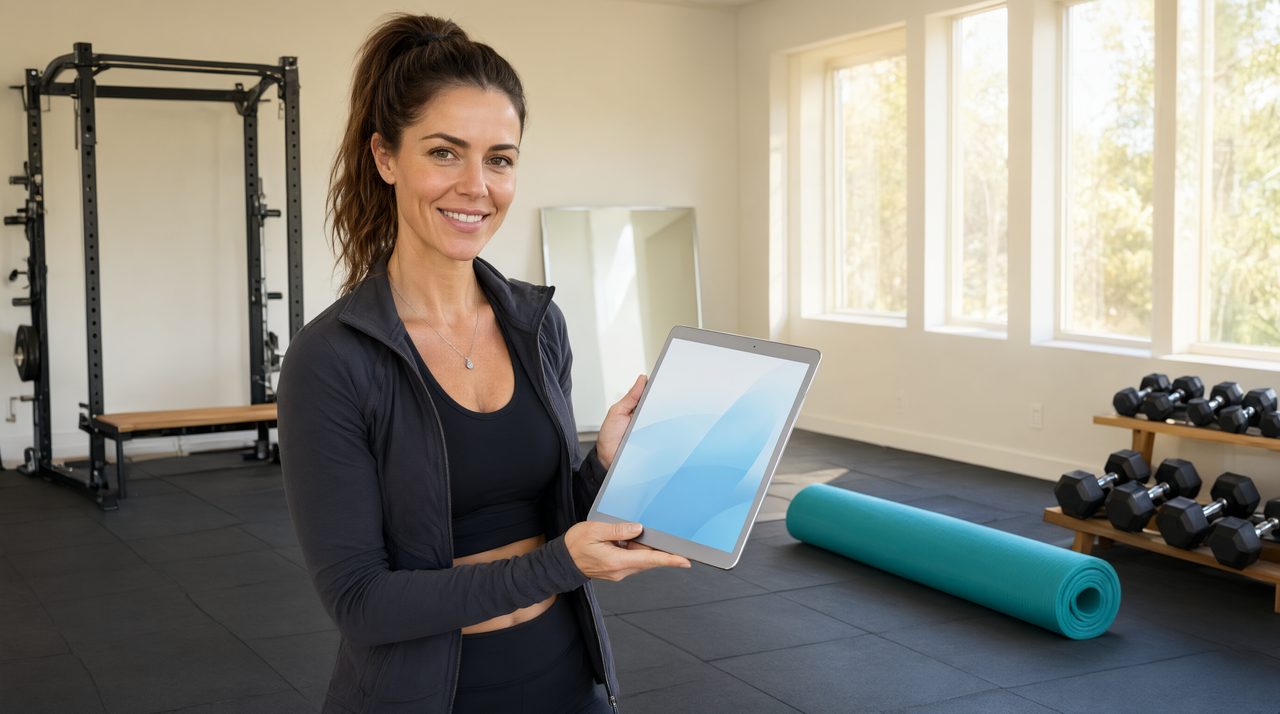
If you film workout videos for a living, you know the exact moment it happens. You are three sets into a circuit, heart rate up, and the one cue you meant to say evaporates. You say the wrong rep count, forget the modification, or stall mid sentence. Every retake costs energy you needed for the next set. A teleprompter fixes this by holding the details so you can spend your focus on coaching.
Why fitness content is a teleprompter's perfect use case
Workout videos are unusually hard to memorize because the brain is busy doing two jobs at once: moving the body and talking about the movement. The script is simple, the workout is familiar, and yet words vanish when the demo starts. A teleprompter removes the memorization load entirely. Your eyes glance at the cues while your delivery stays locked on the viewer, which is exactly the energy subscribers expect from a coach.
It also solves the retake trap. Without a script, a flubbed rep count or a missed safety cue means re-filming the whole set while you are already gassed. With a prompter, the details are on screen, so first takes land far more often. For coaches batch filming a week of content in one session, that means finishing the day strong instead of limping through the last workout on fumes.
What to script and what to leave unscripted
The classic mistake is scripting everything. Fitness content lives on genuine coaching energy, and a word for word script flattens it. Instead, script the load bearing parts and leave the motivation loose.
- ['Script your intro and outro word for word. These are the moments where rambling costs you viewers in the first ten seconds.', 'Script exercise names, rep counts, set counts, and rest times. These are the numbers people rewind for, so get them right.', 'Script form cues and safety notes. Knee over ankle, neutral spine, regress if it pinches. Short reminders keep your viewers safe.', 'Script transitions between moves. The dead air while you think about what comes next is where viewers click away.', 'Do not script your encouragement patter. The you have got this energy has to be real. Bullet points are enough.']
Set up the prompter for a trainer who moves
Fitness coaches are not sitting at a desk, so the setup needs to match the shoot. For talk to camera segments, a phone or tablet on a tripod at lens height works, placed just below or beside the camera so your eyeline stays natural. For demo segments where you step back, move the prompter farther back too. A larger screen or a bigger font size keeps the text readable at distance, and a mirror mode beam splitter setup keeps your eyeline on the lens when the camera is far from the script.
Solo shooters get the most from the phone remote control. Keep your phone in a pocket or on the floor mat and control the scroll with a tap. Start the scroll when you move, pause it while you demonstrate a rep silently, and resume when you talk. This is the exact workflow Prompter Share was built for, with the remote running on a second device and the script staying in sync across every screen with zero lag.
Dial in scroll speed for high energy delivery
Coaches naturally speak faster when they are warmed up, and the scroll has to match the real pace, not the pace you had while sitting on the couch writing the script. Do one full practice read at workout intensity and time it. Set the scroll to that pace, then slow it down about ten percent. The slightly slower scroll forces you to articulate, which viewers read as confidence. If you catch yourself chasing the text, the speed is too high. You should be glancing, not reading, and the presenter should always be in control of the pace, never the other way around.
Use cue markers for reps, transitions, and safety
Line markers are a coach's best friend. Color the rep counts so they pop at a glance. Mark safety cues with a symbol you can spot mid movement, like an asterisk before every joint warning. Put a hard break before each exercise so you get a visual pause that matches your rest between sets. And add a small end marker a few lines before the outro so you naturally start wrapping up while you still have breath to sell the call to action.
One more trick from studio techs: write your script in short lines that break at natural breath points. When you are winded, a long line on the screen is impossible to finish in one breath. Short lines let you grab air at the ends of phrases without it looking like a struggle.
Film smarter by splitting talking and moving
You do not have to talk and demonstrate at the same time for every exercise. Many of the best workout videos use a simple two pass structure. First, film the intro and the form explanation to camera with the prompter. Then film the full demo set with minimal talking, just rep counts from the prompter. Edit them together and you get clean audio on the explanations and clean movement on the demos.
If you prefer true one take filming, keep your eyeline discipline tight. Practice until you can find the cue, look back at the lens, and deliver without your eyes visibly scanning. Wider text columns and larger fonts reduce scanning, and standing a little farther from the screen helps hide the eye movement entirely.
Fitness content is a volume game, and the coaches who win are the ones who can film five workouts in a day without their quality sliding. A teleprompter is the cheapest crew member you will ever hire. It never gets tired, never forgets a rep count, and never needs a retake. Set it up right, script the load bearing details, and spend your energy on the part only you can do, coaching your viewers like they are right there in the room. Your next batch filming day starts at Prompter Share, where your script and your remote stay in perfect sync across every device on set.