Teleprompter for Panel Moderators: Run a Live Conference Panel Without Sounding Scripted
How panel moderators and conference hosts can use a teleprompter for exact intros, transitions, sponsor mentions, and closings while keeping the live discussion natural.
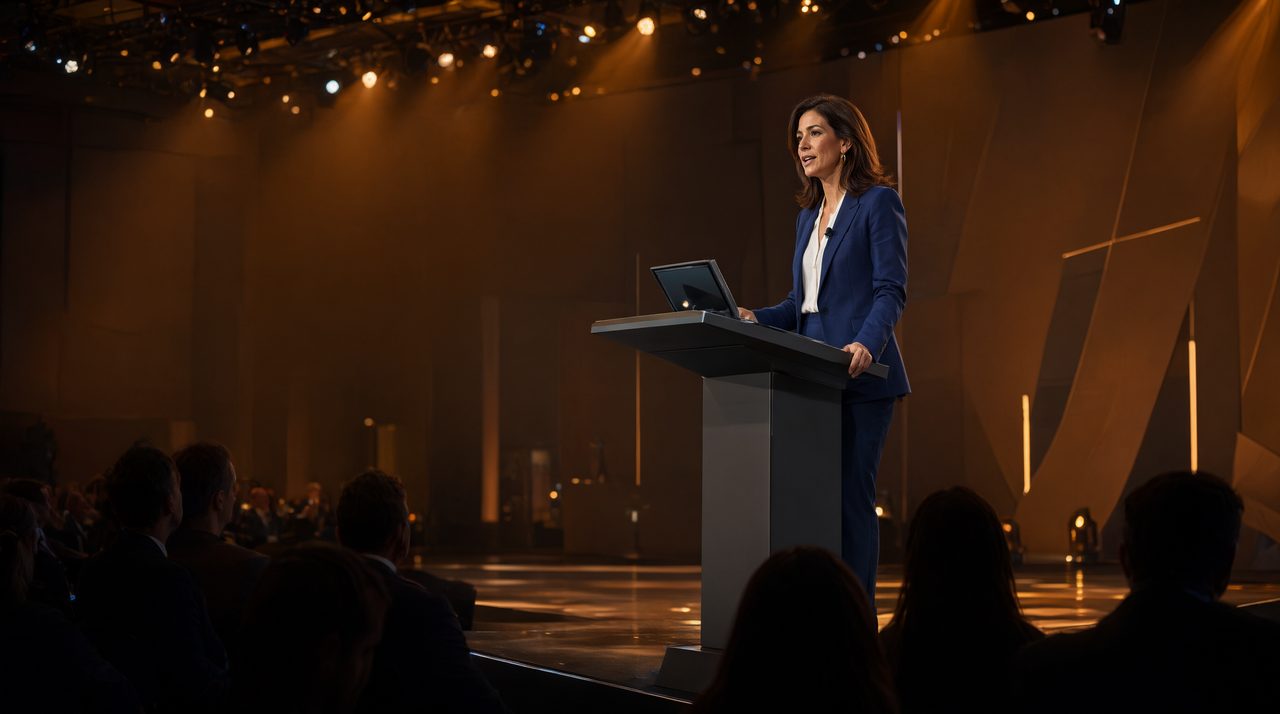
What should a panel moderator put on the teleprompter?
A panel moderator should put the parts of the show that must be exact on the teleprompter, and leave the conversation itself off it. That means the opening welcome, each speaker introduction, the transition lines between topics, sponsor mentions, audience question prompts, and the closing thank you. The discussion questions work better as short cues, one line each, rather than full paragraphs. When a moderator reads a long question word for word, panelists hear a speech, not an invitation to talk, and they answer more stiffly in return. When the moderator glances at a short cue and asks it in their own words, the panel feels like a conversation.
How do you keep a live panel from sounding scripted?
Treat the teleprompter as a safety net, not a script to perform. First, write moderator lines the way you actually speak, with short sentences and plain words. If a line sounds stiff when you read it aloud in rehearsal, rewrite it until it sounds like something you would say to a colleague. Second, keep your eyes moving between the screen and the panelists. Read a line, look up, deliver the thought to a person, then glance back for the next cue. Third, build pauses into the script. A blank line before a topic change, a marked pause before a sponsor mention, and a beat after a big audience question all give the room time to breathe, and give panelists a clean place to jump in.
What speed and setup work best on a conference stage?
Most speakers deliver naturally at 125 to 150 words per minute, and a moderator should set the scroll near the slower end of that range. A panel moves at conversation speed, not keynote speed, and a slower scroll leaves room to react, laugh, or follow up on an unexpected answer. On stage, the screen should sit as close to the audience sightline as possible, often just below or beside the camera feeding the room screens, so the moderator's gaze reads as looking out at the room. Font size should be large enough to read at a glance from the moderator's position, not just from arm's length.
Rehearse the transitions, not just the opening
Most moderators rehearse their opening and then wing the rest. That is backwards. Openings are easy because they are delivered once. Transitions are where panels fall apart, because the moderator must wrap up one speaker, introduce a new topic, and hand off to another person, all while the clock is running. Rehearse each transition out loud at least twice, once to learn the words, and once to practice looking up at the right moment. Time the whole run, too. Cue markers help here. Mark the must hit lines, like sponsor names and session titles, so the moderator can jump straight to them if time gets tight, instead of scrolling through paragraphs to find them.
Give the operator a clear job description
If someone else runs the teleprompter, that person is part of the show. Before the session, agree on the signals: pause when the moderator raises a hand, scroll forward on a nod, and jump back to the current topic marker if the conversation returns to an earlier point. The operator should also know which lines are flexible and which are fixed. A sponsor mention must be read exactly, while a transition can be paraphrased. In Prompter Share, the operator runs the script from one screen while the moderator reads on another device through a single shareable link, and multiple viewer screens stay on the same line, so a moderator monitor and a stage manager monitor show the same place in the script. The phone remote on the Pro plan, at 15 dollars per month, lets the moderator advance the script themselves when no operator is available. On the free plan, rehearsing alone costs nothing, since only time with a viewer connected and the script moving counts toward the 2 minutes of remote prompting per session, and restarts are unlimited.
Plan for the moment the script stops matching the room
Live panels go off script. A panelist gives a surprising answer, an audience question changes the topic, or a speaker runs long. Plan for that instead of pretending it will not happen. Keep a short list of fallback lines on the prompter: a bridge back to the topic, a polite way to cut off a long answer, and a prompt for audience questions. When the conversation drifts, the moderator can glance at a fallback line, steer the panel back, and keep the session on schedule without looking flustered. Also plan for a technical failure. If the screen freezes, the moderator should be able to keep going from printed cue cards or a phone with the same script.
Close with the same care you opened with
Closings get rushed more than any other part of a panel. Put the closing on the teleprompter word for word: thank the panelists by name, thank the sponsor if there is one, tell the audience where to find more information, and end on a clear final line. After the session, note what worked: which transitions felt smooth, which cues were too long, and where you went off script in a good way. For conference hosts and moderators who want a reliable shared setup, Prompter Share is built for exactly this job, one operator screen, one shared script, and every monitor on the same line.
Should a panel moderator memorize the script instead?
No. Memorizing a full panel script adds stress and makes the moderator sound rehearsed. Memorize the opening and closing lines, use the teleprompter for everything in between, and let the conversation itself stay unscripted.
How many questions should go on the teleprompter?
One short cue line per question, not the full question text. A cue like audience question on pricing is enough to prompt a natural question, while a paragraph invites the moderator to read instead of ask.
What if a panelist goes far over time?
Use a prepared bridge line, thank the panelist for the point, and move to the next topic or to audience questions. Marked cue lines make it easy to skip ahead without losing the sponsor mention or the closing.
Add Prompter Share as a preferred source on Google (opens in a new tab)