Teleprompter for Podcast Co-Hosts: Keep Two Hosts in Two Cities on the Same Script
How co-hosted podcasts use one shared teleprompter so hosts in different cities read intros, handoffs, and sponsor reads from the same line at the same moment.
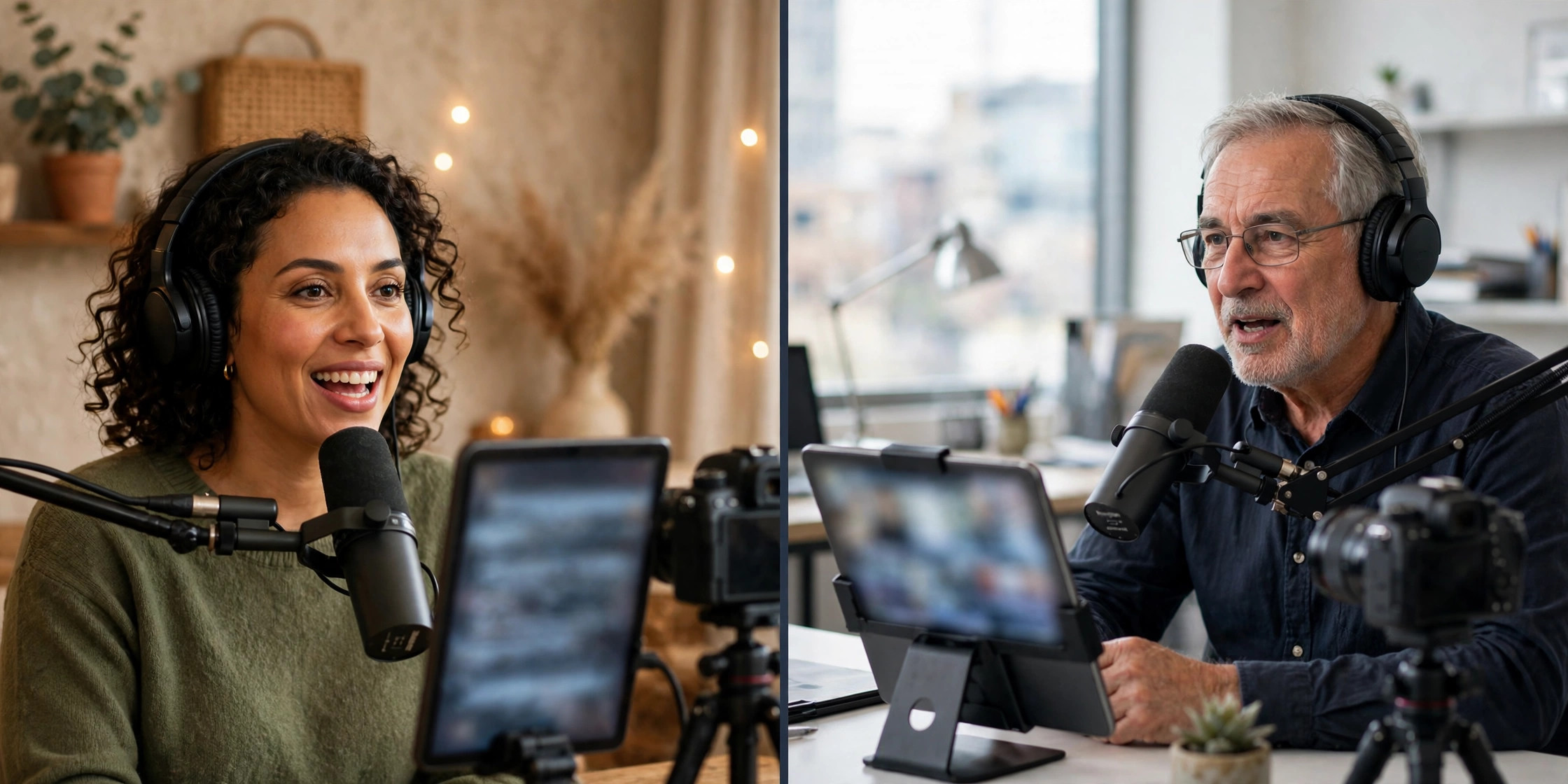
A shared teleprompter keeps two podcast co-hosts on the same script, on the same line, at the same moment, even when they record from different cities. Instead of each host scrolling a separate document and guessing where the other one is, one operator runs the script once and both viewer screens follow a single shared clock. The result is cleaner handoffs, fewer talked-over transitions, and intros, sponsor reads, and outros that land word for word.
Co-hosted shows have a problem solo shows do not. The conversation should stay loose, but the framing around it is repeatable work: the cold open, the guest introduction, the mid-roll read, and the sign-off. When those segments live in two unsynced documents, one host is usually a line ahead, and you hear it as hesitation or a handoff that arrives half a beat late.
How do two co-hosts share one teleprompter script?
The setup is simple. One person, the operator, opens the script and shares a single viewer link. Each co-host opens that link on whatever device sits near their camera, a tablet, a spare phone, or a second monitor. The talent side needs no account and nothing to install, so a remote co-host or a guest who only handles the intro can be looking at the same scrolling text within a minute of receiving the link.
With Prompter Share, the script is sent once and its motion is then described so both screens run off one shared clock. That matters on real home Wi-Fi. If one host's screen drops, it rejoins on the right line instead of restarting from the top. Multiple viewer screens, both hosts and even a producer's monitor, all stay on the same line.
What should co-hosts actually put on the prompter?
Prompt the repeatable 20 percent and leave the conversation alone. A practical rundown for a typical episode looks like this:
- Cold open and show intro: the exact episode title, both host names, and the one sentence promise of what this episode delivers.
- Segment transitions: short bridge lines that hand the show from one host to the other by name, so nobody has to guess whose turn it is.
- Sponsor reads: the full approved copy, including the required phrases and the call to action, read identically on every take.
- Guest introduction: the guest's name, title, and credentials spelled the way they want them said, which removes the most common re-record in podcasting.
- Outro and call to action: the subscribe ask, the review request, and next week's teaser, delivered while energy is still up.
Everything between those markers stays unscripted. Write the prompted sections in short lines, one thought per line, at a speaking pace of roughly 140 to 160 words per minute. If a line does not sound like something either host would actually say out loud, rewrite it before the session, because a prompter makes stiff writing more obvious, not less.
Who should operate the prompter during a remote recording?
Pick one driver and stick with that choice for the whole session. In most two-host shows the stronger option is whichever host is not speaking in that segment: the operator nudges the scroll while the other delivers the line, then they swap roles at the transition. A third person, a producer, is even better when you have one, because both hosts can stay in conversation mode the entire time.
Agree on a small control vocabulary before you record. Pause when a host goes off script. Back up a few lines for a clean restart. Use countdown and cue markers, available on Pro at $15 per month, to flag where a sponsor read starts and where the second host picks up. Speed presets down to about 0.45 lines per second help with slow, deliberate reads such as legal copy, while faster presets suit a high energy intro. The free plan gives 2 minutes of remote prompting per session, counting only time with a viewer connected and the script moving, so solo rehearsal before your co-host joins costs nothing against it.
Rehearse the handoffs once, out loud, before you hit record. Most co-host friction is about timing: who starts, who lands the last word of a transition, and who reads the call to action. One dry run fixes all three, and because both screens show the same reading line, each host can see the handoff coming.
How do you keep a shared prompter from making the show sound read?
Three habits protect the natural feel. First, write prompts, not paragraphs, for anything conversational: a question written in full is fine, but the follow-ups should stay improvised bullet cues. Second, keep the viewer screen close to the camera lens so eye lines stay honest on video. Shows that cut episodes for YouTube, often with help from a production partner like Envy Creative, know that viewers forgive a lot of things, but eyes drifting down to notes on every segment is not one of them. Third, let the operator pause the scroll when a real moment happens. A laugh or a better story than the one in the rundown is worth more than staying on script, and the shared clock makes it easy to resume where you left off.
Finally, save the rundown as a reusable template. Prompter Share's script library keeps saved scripts in folders with full-text search on Pro, so last week's intro, sponsor copy, and outro become this week's starting point in seconds, with no fresh round of copy pasting and reformatting before every session.
Frequently asked questions
Does my co-host need an account or an app to see the shared script?
No. The viewer side opens from a single link on a phone, tablet, or TV, with no account and nothing to install. Only the operator needs the account that runs the session.
What happens if a co-host's Wi-Fi drops mid-episode?
Their screen rejoins on the correct line because both screens follow one shared clock rather than independent timers. The other host keeps reading, and the dropped host is back in sync without restarting the segment.
How much does a shared teleprompter cost for a two-host podcast?
The free plan covers short prompted segments, with 2 minutes of remote prompting per session and one viewer screen. Pro is $15 per month and adds unlimited prompting time, unlimited viewer screens, phone remote control, countdown and cue markers, and unlimited scripts in folders, which is the setup most weekly co-hosted shows end up using.
Add Prompter Share as a preferred source on Google (opens in a new tab)