How Studio Talent Formats Teleprompter Scripts for Clean Takes
Studio talent does not just read a script cold, they mark it up first. Here is the professional system for formatting teleprompter scripts with pause markers, emphasis cues, breathing room, and section flags that keep delivery natural and retakes rare.
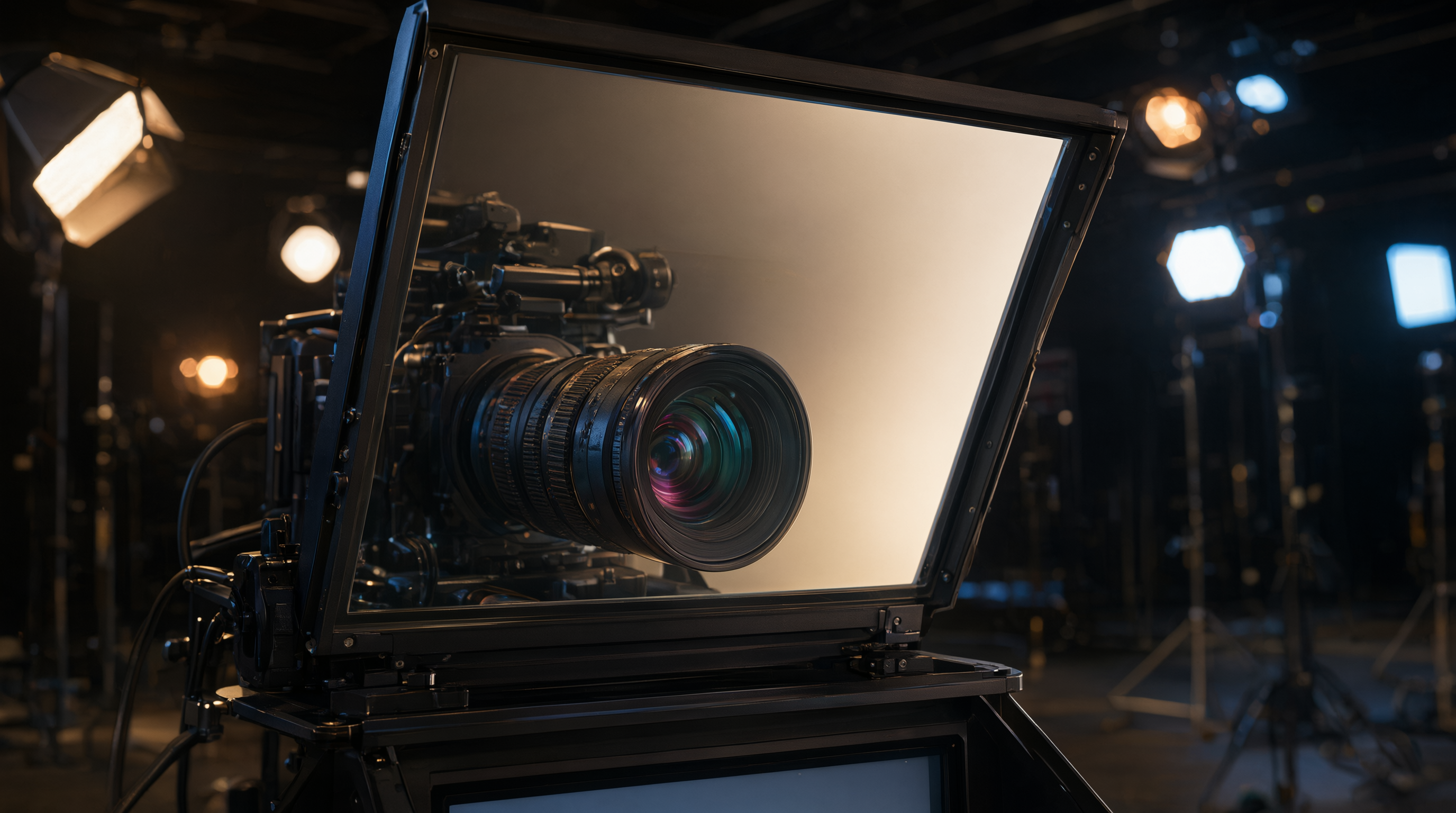
The script is half the performance
On set, when a take falls apart, the teleprompter operator usually takes the blame. The scroll was too fast, the text too small, the mirror flipped the wrong way. Sometimes that is true. But after years of running talent screens on studio floors, I can tell you most prompter problems are script problems. The text was formatted for a printed page, not for a human mouth reading at speed.
Studio talent does not just receive a script and read it cold. They mark it up first. Pauses, emphasis, breathing room, danger words, section flags. That markup is the difference between a take that sounds like a person talking and a take that sounds like a voiceover reading a manual. Here is the formatting system working professionals use, and you can steal all of it.
Write for the ear, not the page
Before any markup happens, the script itself has to sound like speech. Short sentences win. Contractions win. One idea per line beats dense paragraphs every time. Write numbers out as words, because "2,347" makes a brain stall mid-sentence while "two thousand three hundred forty seven" does not. Read every line out loud at least once before load day. If a sentence feels weird coming out of your mouth, it will feel twice as weird on camera, so rewrite it now while it is cheap.
Put the hook in the first two lines of the script and cut every "in this video I am going to show you" throat-clearing that used to sit above it. Your delivery energy peaks in the first ten seconds of a take. Make those seconds easy words to say.
Line breaks are your pacing tool
Break lines where you would naturally pause, not where the paragraph would end on paper. Short lines create faster energy and urgency. Long lines create a calm, measured tone. You are literally formatting the delivery cadence into the script.
Use generous line spacing. Dense text is the number one reason eyes get lost on the screen. When the words are crowded, talent starts scanning instead of reading, and scanning is what produces that glazed, off-camera look. If you are working with a cloud prompter, this formatting carries across every screen. In Prompter Share, the same marked-up script mirrors in real time to the talent screen, the confidence monitor, and the phone in the director's hand, so everyone sees the same pacing cues with zero lag.
Mark up pauses and emphasis
This is the part most scripts skip, and it is the part that matters most. Professionals annotate their scripts the way musicians annotate sheet music:
- Pause markers: insert [PAUSE] or an ellipsis before any line that needs weight. Landing a key point and then sitting in silence for a beat reads as confidence on camera.
- Danger words: bold every name, number, stat, and product name you have ever flubbed. Your eyes will slow down and give them the attention they need. Write phonetic spellings in brackets next to tricky names, like "Cholmondeley [CHUM-lee]".
- Emphasis: use ALL CAPS sparingly on the single word that carries the sentence, the way you would stress it in conversation. Overdo it and nothing stands out.
- Section flags: use line markers to mark the top of each new section. Then, if you ad-lib a transition or riff on an example, you can glance back and land on the next section marker instead of hunting through the scroll for your place.
For multi-camera and corporate video work, this discipline pays double. When several cameras are rolling and the talent is switching eyelines, a well-marked script keeps delivery consistent across every angle. That is the same sync thinking behind good Envy Creative productions, where direction, casting, and prompter setups are run as one system on full commercial shoots.
Build in your breathing room
Talent that rushes almost always has a script with no white space. Empty lines between sections are literal permission to breathe, and breathing is what separates natural delivery from a speed read. If a paragraph runs longer than four lines, split it. If a section runs longer than a minute of speaking time, give it a visual break.
One more trick from studio floors: mark your "reset points." These are spots in the script, usually section headers, where a blown take can restart cleanly instead of rewinding to the top. Flag them with your line markers. When a flub happens, the director calls the reset point, the operator jumps the scroll there, and you are rolling again in seconds instead of rebuilding the whole take from scratch.
The studio checkout pass
Once the script is marked up, run the same checkout pass a studio tech runs before talent walks in:
- Font size legible at the actual talent distance, not just on your desk.
- Mirror mode on for beam-splitter rigs, and test ten seconds of footage to confirm the recording side reads correctly too.
- Scroll speed set slightly slower than you think you need. You can always speed up; you cannot un-rush a take.
- Phone remote paired, so an operator or the talent can pause the scroll for natural emphasis without reaching for the screen.
- Wake-lock on, so the tablet never sleeps mid-take.
- Line markers set at every section header and reset point.
Then record a ten-second test and watch the eye line before committing to the full take. This ten-second habit saves more retakes than any piece of gear you can buy.
One marked-up script, every screen
The old workflow was one printed script, one operator, one screen, and a lot of shouting across the studio. The modern workflow is a cloud script that beams to every screen at once. Your formatting work, the pauses, the bolded danger words, the line markers, shows up identically on the beam-splitter, the talent's tablet, and the producer's phone remote. Format once, and every person in the room is working from the same sheet music.
Load your next script into Prompter Share and try this markup system on a single take this week. Break the lines where you would pause, bold the words you always flub, and flag your reset points. Your eyes stay on the lens, your pacing stays human, and the edit gets noticeably easier.