Teleprompter Troubleshooting: Fix Lag, Drift, and Scroll Problems Before They Ruin a Take
Studio-tested fixes for the seven teleprompter failures that kill takes: scroll drift, network lag, mirrored text, wandering eyes, sleeping screens, dead remotes, and choppy long scripts.
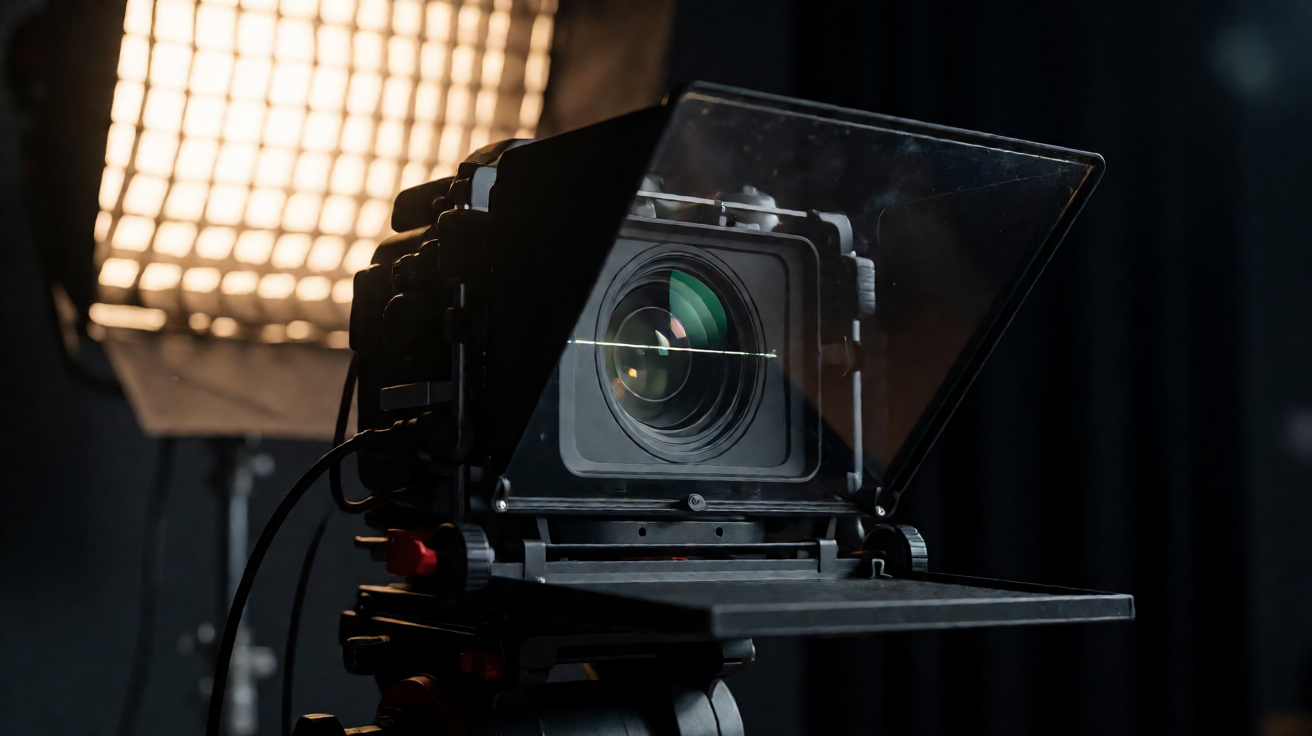
The eleven minutes that save your session
Every ruined take I have watched die on a studio floor had the same shape. The talent was ready, the lighting was dialed, and the script, which worked perfectly in rehearsal, suddenly became the enemy. The scroll jumped. The text stuttered. The remote went dead. And a room full of people stood around burning money while we fumbled with a tablet.
A teleprompter is the most trustworthy tool in the room right up until it is not, and the failure is almost never the hardware. It is configuration, network, or operator error, which means every fix below is something you can do before the talent sits down. Run through this playbook in your next pre-shoot and your prompter will disappear into the background where it belongs.
1. The scroll drifts ahead of the talent
You set a scroll speed in rehearsal, the talent hits record with a little more energy, and by minute two the text is a full paragraph ahead. They start rushing, the delivery tightens, and the take is unusable.
Fix it: Stop thinking in speed numbers and start thinking in markers. Set the scroll slightly slower than the talent's natural pace and hand the pacing back to a human operator, either you on a phone remote or the talent on a foot pedal. A good operator matches the scroll to the breath, not the clock. If you must run hands-off, do a full read at record pace first, then set your scroll speed about ten percent under that number.
2. Lag between the operator and the talent screens
In a networked setup, the operator's controller and the talent's screen are separate devices. On a congested network the talent sees each change a beat late, which reads as drift even when the scroll speed is correct.
Fix it: Prompter traffic should never share bandwidth with a livestream upload or a client monitor feed. Put your prompter devices on a dedicated 5GHz network or a phone hotspot and run a one-minute latency test before call time: tap pause on the controller and count the frames until the talent screen freezes. Anything you can perceive is too much. Test on the network you will actually use, not the one in your office.
3. Text mirrors wrong on the beam-splitter glass
You flip the glass on, the text is visible, and it reads backwards. You dig through menus while the client watches. Everyone has done this once. The pros never do it twice because they check it during setup, every time.
Fix it: Mirror mode is a single toggle in your prompter software and it is the first item on every competent setup checklist. In Prompter Share it lives right in the display settings, two taps. Put mirror mode on your pre-shoot checklist right next to audio levels and battery checks. If a change takes longer than five seconds to make, you need a different tool for it.
4. The talent's eyes visibly track the lines
This one reads as a performance problem in the edit, when you realize the whole interview looks like the talent is reading because they were. The eyes flick left and right across a wide text column and the camera catches every sweep.
Fix it: Narrow the text column until each line holds roughly six to eight words, so the eyes move vertically through a small window instead of scanning horizontally. Then get the talent screen as close to the lens axis as possible and size the font so the talent can read without leaning in. Bigger text is not vanity, it is eye-line control.
5. The screen sleeps, locks, or drops mid-take
Tablets and phones are designed to conserve battery, and your prompter screen is exactly the kind of app they love to background, dim, or put to sleep. Nothing announces amateur hour like the screen going black three minutes into a perfect take.
Fix it: Enable wake-lock in your prompter app, disable auto-lock at the OS level for the shoot day, and turn on Do Not Disturb. A stray text preview or update prompt during a take will cost you the read even if the screen stays on. And plug the device in, an iPad at fourteen percent will aggressively manage power whether your settings approve or not.
6. The remote control disconnects mid-session
Bluetooth remotes are wonderful until the room fills with wireless microphones, IFB packs, and twenty phones all fighting for the same spectrum. The clicker that worked flawlessly in an empty room starts dropping connection the moment the full crew arrives.
Fix it: Keep a phone-based cloud remote as backup, because it rides on WiFi or cellular instead of Bluetooth and fails over gracefully. Pair your Bluetooth clicker to the talent device during setup, then test it with every piece of wireless gear in the room powered on. Interference is an audience-dependent problem. Rehearse in a quiet room and you are rehearsing fiction.
7. A long script scrolls choppy near the end
Scripts past a few thousand words can stutter on older tablets, usually right at the section you were least prepared to wing. The device is fine for the first ten minutes, then the scroll frame rate drops and the talent starts fighting the text.
Fix it: Split long scripts into labeled segments with line markers instead of one giant scroll. Your talent gets natural reset points, the device renders a smaller text buffer, and retakes jump straight to the mark. One continuous script is a liability past about ten minutes of spoken content.
The pre-shoot prompter checklist
Tape this to the inside of your kit lid:
- Full read at record pace, scroll set ten percent under natural speed
- Mirror mode verified through the glass, on camera
- Wake-lock on, auto-lock off, Do Not Disturb on, device charging
- Network latency test on the actual shoot network
- Remote paired and tested with all wireless gear powered on
- Long scripts chunked with line markers and reset points
- Backup script on a second device, because screens die
The prompter should be invisible
A teleprompter has one job: make scripted delivery look effortless. When it works, nobody notices it. When it fails, it is the only thing anybody notices. Every problem above is preventable in prep, which makes prompter troubleshooting the highest-leverage eleven minutes on your call sheet.
If you want a prompter that handles the hard parts for you, phone remote control, wake-lock, line markers, mirror mode, and real-time sync across every talent screen, Prompter Share was built by studio people for exactly this job.