The Teleprompter Warm-Up Routine: A 10-Minute Drill That Kills Robotic Delivery
Run this 10-minute warm-up before every shoot: four passes that train scroll sync, delivery energy, and eye contact, so your teleprompter reads sound like natural conversation.
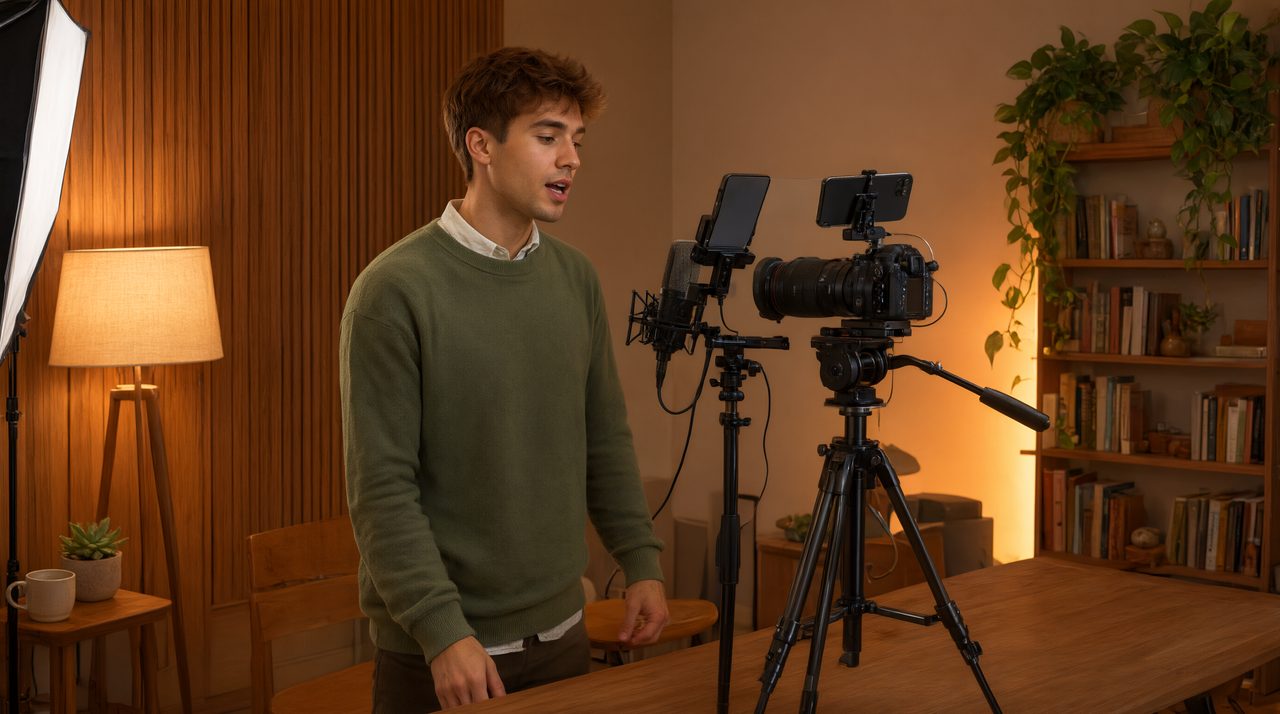
If your teleprompter footage sounds like you are reading a grocery list, the problem is almost never the tool. It is the missing ten minutes before you pressed record. Broadcasters warm up before every session, yet most creators roll straight from a cold script into a cold take, then wonder why the delivery feels stiff. A short, structured warm-up fixes the three things that make reads sound robotic: poor scroll sync, flat emphasis, and locked-up eye contact. Here is the exact ten-minute drill I run talent through on set, and you can run it solo in any home studio.
Why jumping in cold always sounds like reading
When you sight-read a script on camera, your brain does three jobs at once: decoding the next words, pacing the scroll, and performing for the lens. That heavy load produces the flat, careful cadence everyone recognizes as teleprompter voice. A warm-up separates those jobs. The first passes train your eyes and your scroll speed with the camera off. By the time you record, the words feel familiar, the pace is locked, and your full attention goes to the person on the other side of the lens. Think of it like a musician running scales before a show. On-camera talent should work the same way.
The ten-minute warm-up routine
Set a timer and work through the four passes below in order. Do it with your actual script, your actual scroll speed, and your actual camera framing, because rehearsing under real conditions builds real confidence.
Minutes 0 to 2: the cold read
Read the script out loud at conversational volume, camera off, scroll moving at your normal pace. Do not perform. This pass has one job: find the landmines. Every script has a sentence that looks fine on paper but ties your tongue in knots when spoken. Rewrite anything that makes you stumble: contract phrases, split long sentences, swap formal words for the ones you would actually say. If a line is hard to read aloud, it will be hard to read on camera, and no delivery skill fixes a bad line.
Minutes 2 to 5: the sync pass
Now the goal shifts to the scroll. Read along and tune the speed until you can speak slightly ahead of the text, glancing at the words while your voice leads by half a sentence. Most people read comfortably at 125 to 150 words per minute, with technical or emotional content landing better at the slower end. If you are chasing the text, slow the scroll. If you are waiting on it, speed up. A phone remote keeps your hands free and your posture open while you rehearse pacing from exactly where you will stand during the take.
Minutes 5 to 8: the delivery pass
This is where the read stops sounding like reading. Go back to the top and deliver the script with full energy, still without recording. Exaggerate your emphasis, vary your pace, and mark your pauses with real breaths. Mentally underline the key word in each sentence and give it more weight. Treat pauses as mandatory. A confident pause after a key idea does more for authority than any amount of word-level polish. If your prompter supports line markers, drop them at your pause points during this pass, so the cues are waiting when you record.
Minutes 8 to 10: the camera pass
Turn the camera on for one full dress rehearsal. Your only job is eye contact. Keep your gaze on the lens, not on the words, and let your peripheral reading do the work. Large fonts help enormously, because you can read with side vision while your focus stays on the viewer. Watch for the two classic tells: the fixed stare from concentrating too hard on the text, and the rhythmic side-to-side scan that screams you are reading. Do not stop for flubs in this pass. Roll through them. Recovering smoothly is a skill you want in the real take, so rehearse it.
Master the glance-ahead technique
The single biggest upgrade most creators can make is staying a line ahead of their voice. Instead of reading each word and then saying it, let your eyes run slightly ahead while your mouth delivers the words you just read. That tiny lead time lets your brain process meaning before you speak, which is what makes speech sound thought-driven instead of text-driven. It clicks for most people after three or four focused warm-up sessions. Practice it deliberately during your sync pass, and within a week it becomes automatic.
Mark your script like a musician marks a score
Session musicians scribble all over their sheet music, and on-camera talent should do the same. Before the camera pass, add delivery cues to your script: a double slash for a full pause, an underline for an emphasized word, a star where you need to shift energy. A cloud prompter with real-time control lets you add markers on your laptop while the talent screen updates instantly, which is a lifesaver on corporate shoots where the producer directs from another room. Marked scripts remove guesswork from the take. You are executing decisions you already made, not inventing delivery in the moment.
Three warm-up mistakes that backfire
- Warming up with a different script. Rehearsing generic copy trains generic delivery. Always warm up with the actual script you are about to record.
- Practicing in silence. Reading in your head feels nothing like reading aloud. Your mouth needs the reps as much as your eyes do.
- Skipping straight to the camera pass. If the first time you feel the scroll speed is while the camera rolls, you are spending takes on calibration that belonged in rehearsal.
Make it a habit, not a hack
Run this routine for five recording days in a row. The first session feels fussy. By the third, your takes need fewer restarts. By the fifth, the warm-up is invisible and your delivery sounds like you, just clearer. That is the whole point of a teleprompter: not to turn you into an anchor, but to free your attention so you can connect with the viewer. If you are still doing this on a laptop propped on a stack of books, it is time for an upgrade. Prompter Share gives you a real-time cloud teleprompter with phone remote control, line markers for your pause cues, and zero lag across every screen in the room, so your warm-up and your take run in one smooth workflow.