Teleprompter for Wedding Officiants: Deliver a 20-Minute Ceremony Without Losing Your Place
How wedding officiants can run a full 20 minute ceremony from a tablet teleprompter, with script formatting rules, scroll speeds, a day of checklist, and honest pricing.
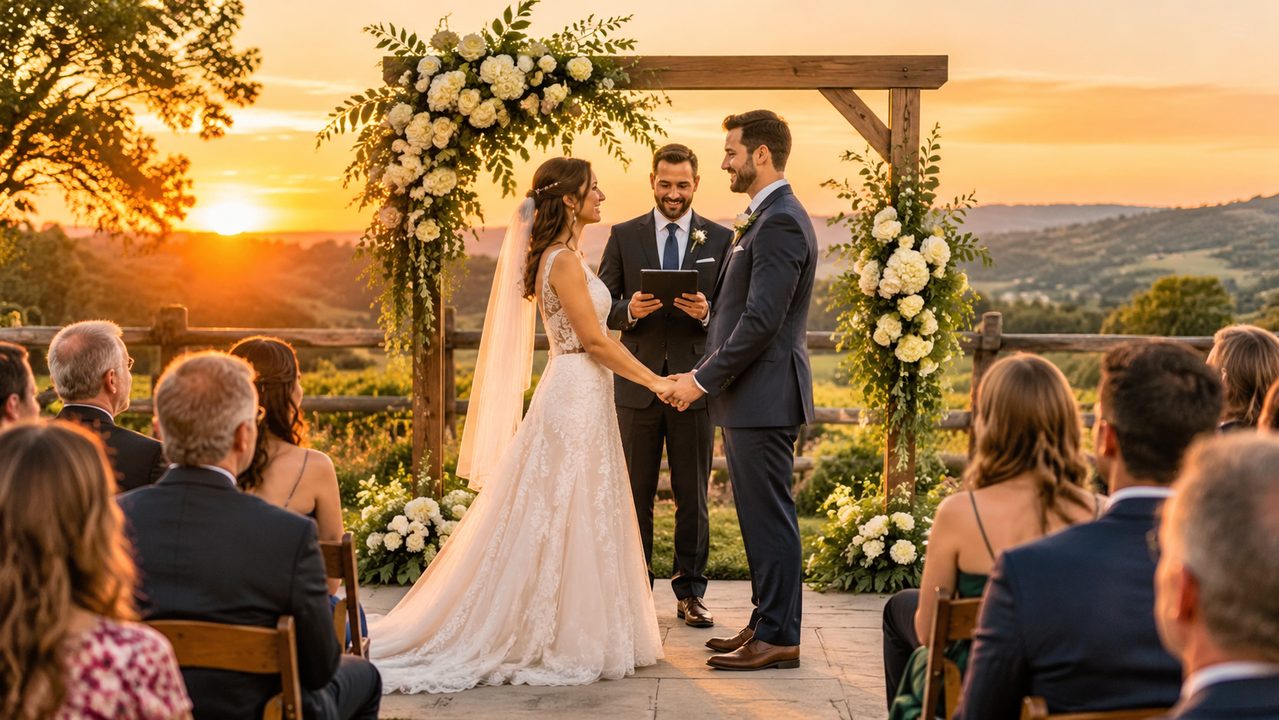
A wedding officiant can run a full ceremony from a teleprompter by loading the script into a web based prompter, placing a tablet at standing eye level in front of the couple, and controlling the scroll from a phone in one hand. A typical ceremony runs about 20 minutes and roughly 2,600 words at a natural speaking pace, so the goal is simple: keep your eyes up, your place secure, and your hands free for the rings, the couple, and the moment.
How do I run a teleprompter for a ceremony in another location?
You do not need to be next to the screen, and you do not need a second operator. With Prompter Share, you open the script on your control screen, share one link, and the ceremony text appears on the tablet in front of you. The talent side needs no account and nothing to install, so a venue tablet, a borrowed iPad, or your own device all work. Because both screens run off one shared clock, a pause, a speed change, or a jump back for a repeated line lands on the reading screen at the same moment you make it. If the tablet drops off venue Wi-Fi mid ceremony, it rejoins on the right line instead of restarting at the welcome.
Set the tablet on a slim music stand or a low lectern, angled up toward your eyes and turned slightly away from the guests. From the seats it reads as a modern ceremony binder, and from the couple's side it disappears in photos. Keep the screen about 6 to 8 feet from where you stand, large enough to read without leaning in, and turn on wake lock so the tablet never sleeps during a pause for a reading, a song, or a unity ritual.
Format the script for a ceremony, not a document
Most ceremony scripts arrive as a 5 or 6 page document with stage directions mixed into the words you actually say. That format fails on a prompter. Before the wedding day, build a prompting copy with these rules.
- One thought per line, with a blank line between sections such as the welcome, the couple's story, the vows, and the ring exchange.
- Stage directions in brackets on their own line, for example [pause, take the rings], so your eye skips them instead of reading them aloud.
- Names spelled exactly as they sound, including family names in the remembrance and the full legal names in the declaration of intent.
- Cue markers at every handoff, where a reader steps up, the couple turns, or music starts, so you always know what happens next.
Import the finished file as a .txt or .docx file on the Pro plan, or paste it into one of the 3 saved scripts on the free plan for a rehearsal. Then read it aloud once at home, where you will catch the one tongue twisting sentence before the processional.
What scroll speed works for a wedding ceremony?
Slower than you think. Ceremony delivery lands near 120 to 130 words per minute, well under a sales video or a keynote, because the couple and the guests need time to feel each section. Start with a slow preset, down to about 0.45 lines per second at the bottom end, and let the reading line hold your place so you can look up at the couple for the last line of each section. That look up is the whole point. Guests remember an officiant who spoke to the couple, not one who read at them, and a prompter you trust is what makes the eye contact possible.
Build pauses into the speed, not into your nerves. Slow down further for the declaration of intent and the pronouncement, the 2 parts with legal weight in most states. Speed up slightly, and only slightly, through housekeeping lines such as asking guests to silence phones. If the couple laughs, cries, or needs a tissue, pause the scroll from your phone remote and let the moment breathe. The script will wait exactly where you left it.
A simple setup checklist for the wedding day
- Charge the tablet and your phone, and load the script before you leave home, not at the venue.
- Arrive early, set the stand, and check the screen for sun glare at the actual ceremony hour, especially outdoors.
- Raise brightness, turn on wake lock and fullscreen, and test the phone remote from where you will stand.
- Run the first 30 seconds aloud to confirm speed, line size, and your sight line over the couple.
- Keep a printed backup in a folder in your bag. You will probably never open it, and it costs you nothing.
If the ceremony is being filmed, tell the videographer where the tablet sits before the processional. A small stand at your side is easy to frame around, and teams who shoot weddings every week, like Envy Creative, would rather know about one extra object early than discover it in the wide shot.
How much does Prompter Share Pro cost?
The free plan costs $0 and covers rehearsal well, with 3 saved scripts, mirroring, wake lock, and fullscreen, plus 2 minutes of remote prompting per session with a viewer connected and the script moving. A full ceremony is far longer than 2 minutes, so most officiants move to Pro at $15 per month for the wedding itself. Pro adds unlimited prompting time, unlimited scripts in folders, unlimited viewer screens, the phone remote, countdown and cue markers, the reading line, and .txt and .docx import. For an officiant booking even 1 wedding a month, one calm ceremony covers that cost, and folders keep each couple's script separate.
Frequently asked questions
Will guests notice the teleprompter?
Rarely. A tablet on a slim stand looks like the digital binder many officiants already carry, and guests focus on the couple. Angle the screen toward you, keep brightness matched to the room, and most people never register it.
What if the Wi-Fi fails during the ceremony?
Keep the script loaded before the ceremony starts. If a viewer screen drops off Wi-Fi, it rejoins on the right line because the session runs off one shared clock. Your printed backup covers the rare total failure.
Can the couple use it for their vows too?
Yes. Load the vows as a separate script, set a second viewer screen where the couple can see it, and advance it from your phone. Many couples prefer printed vow books for the keepsake, so offer both and let them choose.
Add Prompter Share as a preferred source on Google (opens in a new tab)