Teleprompter for Wedding Speeches: Deliver Your Toast Without Looking Down
How wedding speakers use a teleprompter to deliver toasts and speeches without looking down, with word counts, pacing, setup, and rehearsal tips.
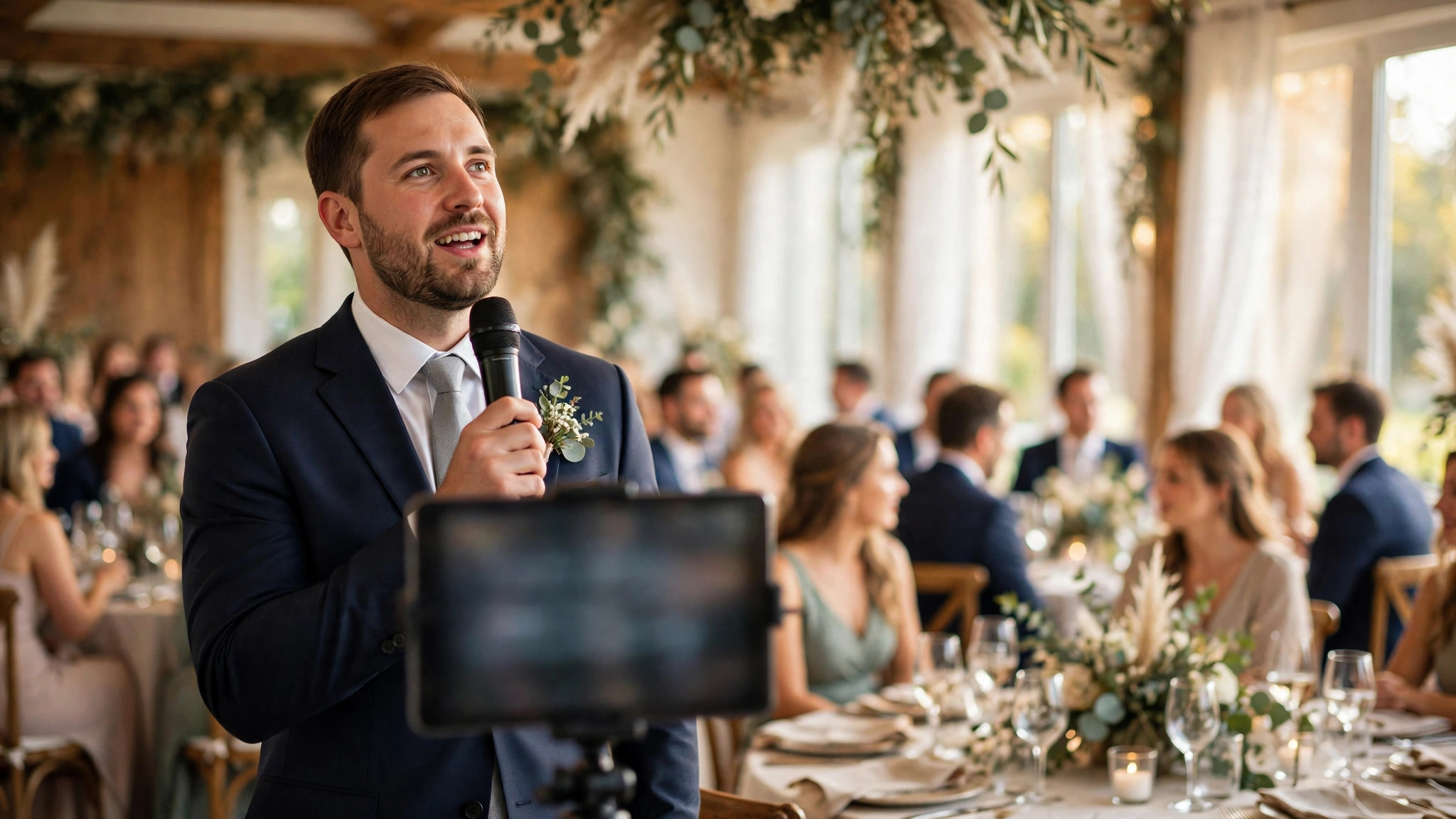
You deliver a wedding toast well by reading it from a teleprompter set just below eye level, paced at about 110 to 130 words per minute, instead of looking down at a printed page or a phone in your hand. A prompter keeps every name, date, and punchline in order while your eyes stay on the couple and the room, so a speech you wrote carefully sounds like a speech you meant, not one you are trying to remember.
Why do wedding speeches go wrong so often?
Most wedding speakers are not performers. The best man, the maid of honor, and a parent usually give one important speech a year at most, in front of 80 to 200 people, often after a long day. Under that pressure, memory fails first, and nerves speed delivery up by 10 to 20 percent without the speaker noticing.
Paper fixes the memory problem and creates an eye contact problem. You look down, find your place, look up, lose the room, and repeat for four minutes. The fix is not a memorized script, which collapses the moment one line slips. The fix is putting the words where your eyes already want to be.
How long should a wedding toast be, in words?
Shorter than most speakers write. At a relaxed speech pace of 110 to 130 words per minute, a 3 minute toast is about 330 to 390 words, and a 5 minute speech is roughly 550 to 700 words. Past 800 words, you have a 6 to 7 minute speech, and no delivery technique makes a long toast feel short. Cut on paper first.
Write for the ear, not the page. Use short sentences, one idea per line, and put names and dates on their own lines. Mark where the room will laugh or applaud, because a good toast pauses there instead of talking over the reaction. Read the draft aloud twice, since a line that reads well silently can still trip you at full volume.
What is the best teleprompter setup for a wedding speech?
You need three things: a screen the speaker can read, a second screen or phone for the operator, and a stand that puts the reading screen close to the audience sight line. A tablet on a small stand or music stand a few feet in front of the speaker works well, and a phone on a tripod works for a shorter toast. Set the text large enough to read without leaning in, and turn on wake lock so the screen stays awake through dinner and the speeches before yours.
With a cloud prompter such as Prompter Share, the operator runs the script from one screen and the speaker reads it on any device through a single shareable link. The reading side needs no account and nothing to install, which matters when the speaker is a parent who has never used a prompter before. The operator can pause, back up, and slow down in real time, so the scroll follows the speaker instead of forcing the speaker to chase the scroll.
For a venue filming the speeches, a beam splitter rig in front of the lens is the polished version. Prompter Share supports horizontal and vertical mirroring for beam splitter glass, and multiple viewer screens stay on the same line.
How do you rehearse a prompted toast without spoiling it?
Rehearse alone first, out loud, at your planned speed. Rehearsing alone is free, because only time with a viewer connected and the script moving counts toward a session. Run the full speech twice, time both runs, and note where you rush. Most speakers rush the opening and the close.
Then do one run with your operator. Agree on simple rules: pause when you pause for a laugh, back up one line if you lose your place, and never speed up to catch a schedule. Add cue markers at the laugh lines and the final toast line. On Pro, countdown and cue markers and a reading line are included, and a phone works as a remote control.
A wedding day checklist for prompted speeches
- Load the final, reviewed script, with every name spelled the way the speaker will say it.
- Set the scroll near 120 words per minute, slower for the opening and the closing line.
- Place the screen close to the couple and the room, not off to one side.
- Turn on wake lock and fullscreen, and silence notifications on the reading device.
- Charge both devices, or plug the reading screen in, before the reception starts.
- Do one quiet test run from the actual speaking spot before guests sit down.
Pricing is easy to test for a one off event. The free plan is $0 and covers 2 minutes of remote prompting per session, 1 viewer screen, 3 saved scripts, mirroring, wake lock, and fullscreen, with unlimited restarts, so you can rehearse the setup and restart a session as often as you need. Pro is $15 per month and adds unlimited prompting time, unlimited scripts in folders, unlimited viewer screens, phone remote control, countdown and cue markers, a reading line, and .txt and .docx import, which suits a wedding party where four or five people give speeches on the same night.
Start with the speech itself. Write about 400 words for a 3 minute toast, read it aloud twice, cut anything that only works on paper, and then put it on a prompter for one practice run with a friend running the scroll. When you can look up, pause for the laugh, and still find your next line waiting for you, the setup is doing its job at promptershare.com.
Frequently asked questions
How much does Prompter Share Pro cost?
Pro is $15 per month, with unlimited prompting time, unlimited scripts and viewer screens, phone remote control, countdown and cue markers, and a reading line. The free plan is $0, with 2 minutes of remote prompting per session, 1 viewer screen, and 3 saved scripts.
Can the speaker read the toast without installing an app?
Yes. The speaker side opens through one shareable link on a phone, tablet, or TV, with no account and nothing to install. An operator runs pause, speed, and direction from a separate screen.
What if the speaker loses their place mid toast?
The operator pauses or backs the script up to the last line, and the speaker picks up from the reading line. Because the words stay on screen instead of relying on memory, one missed line does not unravel the rest of the speech.
Add Prompter Share as a preferred source on Google (opens in a new tab)